
Before and After Shopify Sage 50 Automation
A side-by-side look at Shopify and Sage 50 workflows before and after automation. Learn how Sagify reduces manual entry, improves accuracy, and speeds up month-end close.
Numbers tell part of the story (you save 30 hours/month, errors drop by 85%, payback in 6 weeks). But the real difference is daily workflow. This guide shows two day-in-the-life scenarios — before and after automation — so you can see exactly what changes.
In this guide:
- A day before automation
- A day after automation
- Weekly rhythm before
- Weekly rhythm after
- Month-end close before
- Month-end close after
- The cumulative difference
- FAQ

A Day Before Automation (Manual Entry)
Meet Sarah: Bookkeeper for a 600-order/month Shopify store.
9:00 AM: Check In
Sarah arrives at the office. She opens Shopify to check on yesterday. 15 orders came in. She downloads them as PDFs, prints them off, stacks them on her desk.
Time spent: 20 minutes
9:20 AM: Open Sage 50 and Start Data Entry
Sarah manually enters yesterday's 15 orders as invoices in Sage 50. She starts with the first order:
- Open Sage 50 Sales Invoice window
- Create new invoice, starting with customer
- Is this customer already in Sage 50? Check name, search...
- Enter line items with SKU, description, quantity, price
- Add shipping
- Add tax (Shopify shows $7.58, Sage 50 calculates $8.15 — she manually adjusts)
- Review and post
One order takes 6 minutes. 15 orders × 6 = 90 minutes.
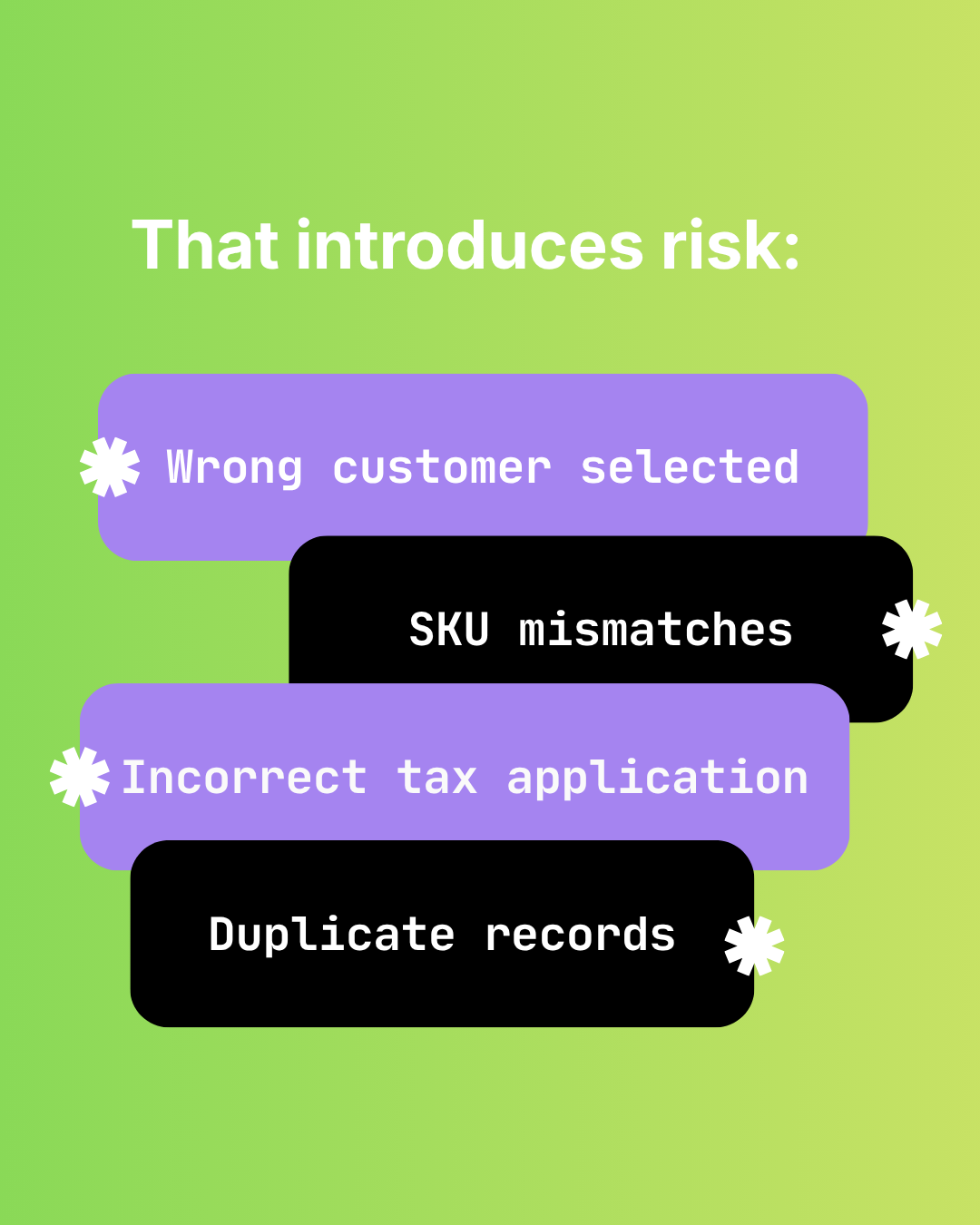
Problems: One customer was already in Sage 50 but with slightly different email (created possible duplicate). Tax rate was off and needed manual adjustment. One order number got transposed. Inventory item didn't exist, and needed to be created.
Time spent: 90 minutes
11:05 AM: Spot-Check for Errors
Sarah reviews the 15 invoices she entered, looking for obvious errors. One invoice total doesn't match Shopify. She checks Shopify, finds a missed discount. Goes back to Sage 50 and edits it.
Time spent: 15 minutes
11:20 AM: Update Inventory (Weekly Task)
It's Friday, so Sarah updates inventory from the week's orders. She's behind on this. Sarah's company also sells in person off Shopify causing inventory discrepancies between Sage and Shopify. She receives a list of items sold during the week, sums up each SKU's quantity sold, then she opens each item in Shopify and adjusts the quantities.
But she realizes previous week's orders still need updating. She makes a note to catch up next week.
Time spent: 30 minutes
11:50 AM: Check on That Customer Returns Issue
Sarah finally circles back to the owner's question about refunds. She manually exports all refunds from Shopify for the past month. She finds 8 refunds. She checks Sage 50:
- 6 have credit memos
- 2 don't
She manually creates the 2 missing credit memos.
Time spent: 45 minutes
The Rest of the Week
This pattern repeats Monday-Friday:
- Daily: 15-20 orders to enter (1.5-2 hours)
- Weekly: Inventory update (30-45 minutes)
- Ongoing: Spot-checks, customer questions, fixes
By Friday, Sarah has spent about 12-15 hours on manual data entry. She's behind on inventory. Month-end is coming, and she's stressed about reconciliation.
A Day After Automation (Sagify Integrated)
Same Sarah, same store, but now with Sagify running.
9:00 AM: Check In
Sarah opens Sagify on her desktop:
- 15 orders imported successfully
- All customers matched (no new duplicates) or new ones created
- All inventory updated (each SKU decremented correctly) or new ones created
- No errors or warnings
Time spent: 30 seconds
9:01 AM: Check on That Customer Returns Issue
The owner's question is still there. Sarah opens Sage 50 and searches for refunds:
- All refunds from Shopify for past month are properly recorded in Sage 50
- Sagify automatically created credit memos for every refund
All refunds are in sync.
Time spent: 10 minutes
9:11 AM: Verify Inventory
Sarah picks 5 SKUs at random:
| SKU | Shopify Qty | Sage 50 Qty | Match? |
|---|---|---|---|
| WGT-A-M | 127 | 119 | x |
| WGT-B-L | 63 | 63 | ✓ |
| WGT-C-S | 45 | 45 | ✓ |
| WGT-D-M | 89 | 89 | ✓ |
| WGT-E-L | 102 | 99 | x |
Sarah reviews Sagify inventory module. Hits sync and watches as it pushes the quantity updates to Shopify. Now, Sage 50 and Shopify's inventory are in sync. No risk of over-selling and disappointing customers.
Time spent: 5 minutes
9:16 AM: Accounting Work
Sarah now has actual accounting work to do. She reconciles the Shopify payout from yesterday against the bank line. Sagify has already posted the payout into Sage 50.
She matches the bank line to the deposit and confirms. Reconciliation complete in 2 minutes. Before Sagify, this took 45 minutes.
She reviews GL and AR, spends 10 minutes on accounting work.
Time spent: 20 minutes on actual accounting work
9:36 AM: Strategy Work
Sarah now has time for higher-value work. The owner wanted to understand which customer segments are profitable. Sarah pulls sales data, filters by customer, calculates margin.
This is the work she used to want to do but couldn't because she was drowning in data entry.
Time spent: 30+ minutes of strategic analysis
The Rest of the Week
This pattern repeats Monday-Friday:
- Daily: Sagify spot-check (5 minutes/day = 30 min/week)
- Periodic: Reconciliation, GL review (30-45 min/week)
- Freed-up time: Analysis, forecasting, strategy (10+ hours/week)
By Friday, Sarah has spent about 45 minutes-1 hour on order entry and reconciliation. She's 12-15 hours ahead of where she was before Sagify.

Weekly Rhythm Before
Monday-Friday:
- Manual order entry: 1.5-2 hours/day
- Inventory updates: 30 minutes Friday
- Reconciliation and fixes: 30-45 minutes
Total: 10-12 hours/week on data entry and low-value reconciliation
Morale impact: Sarah is drowning in tactical work. She rarely has time for anything strategic. Frustrated she's "just a data entry person."
Weekly Rhythm After
Monday-Friday:
- Sagify spot-check: 5 minutes/day (30 min/week)
- Reconciliation: 30-45 minutes (automatic, minimal effort)
- Strategic work: 10+ hours (analysis, forecasting, planning)
Total: 2-3 hours/week on tactical work. 10+ hours/week freed up for strategic work.
Morale impact: Sarah is doing the accounting work she was trained for. She's analyzing margins, identifying growth opportunities. Not burned out.

Month-End Close Before
2-3 days of manual effort:
Day 1: Catch Up on Order Entry
Sarah has fallen behind during month (only weekly inventory updates). She spends the first day entering missed orders, updating inventory.
Time: 4-6 hours
Day 2: Reconciliation
She reconciles Shopify orders to Sage 50 invoices using a spreadsheet. She finds 4 missing orders and manually enters them. She reconciles the Shopify payout against Sage 50 bank line using another spreadsheet. There are variances. She spends 30 minutes hunting for a $0.23 discrepancy, assumes it's rounding, writes it off.
Time: 6-8 hours
Day 3: Final Close
She reviews GL accounts, reconciles AR aging, finalizes financial statements.
Time: 2-4 hours
Total month-end time: 12-18 hours (1.5-2 full days)
Month-End Close After
Morning: Run a Final Import
Sarah opens Sagify and imports all orders from the past 3 days. She reconciles Shopify to Sage 50:
- Orders in Shopify: 847
- Invoices in Sage 50: 847
- Missing: 0
She reconciles the Shopify payout from the month:
- Shopify payout: $34,567.89
- Sage 50 bank deposit: $34,567.89
- Match: ✓
Time: 20 minutes
Late Morning: Financial Statements
She reviews GL accounts, reconciles AR aging, finalizes financial statements. She runs reports with confidence because the data is continuous and clean.
Time: 2-3 hours
Total month-end time: 3-4 hours (same-day close)
The Cumulative Difference
| Task | Before | After | Improvement |
|---|---|---|---|
| Daily order entry | 1.5-2 hrs/day | 5 min/day | 88% reduction |
| Weekly inventory update | 30-45 min/week | Continuous, no manual work | 100% reduction |
| Weekly reconciliation | 30-45 min/week | 10 min/week | 78% reduction |
| Month-end close | 12-18 hours | 3-4 hours | 75% reduction |
| Total hours freed up | ~50 hrs/month | ~5 hrs/month | 90% reduction |
Sarah went from spending 50 hours/month on data entry to 5 hours/month on verification.
That freed-up time translates to:
- Strategic analysis (understanding profitability, customer behavior, margins)
- Forecasting (cash flow projections, growth planning)
- Process improvement (documenting procedures, training others)
- Audit preparation (maintaining records, ensuring compliance)
- Staff peace of mind (lower stress, higher job satisfaction)
FAQ
How long does it take to get to the "after" state?
Setup: 2-4 hours. Testing: 4-8 hours. Parallel run: 8 hours. Total: 1-2 weeks.
Does the "after" workflow still require daily checks?
Yes, 5-10 minutes/day to spot-check the import. But this is verification, not re-doing work.
What if something breaks? How do you know?
Sagify will alert you if an import fails. Most don't require immediate action.
What happens to all the time Sarah saves? Does she get laid off?
No, Sagify is Sarah's tool. Now, Sarah's attention is spent on higher-value accounting work (analysis, forecasting, planning). The business keeps her and has her focus on accounting, not data entry.
Is the "before" scenario realistic?
Yes. This is typical for a manually-managed Shopify + Sage 50 integration with anywhere between 100-1000 orders/month. Some merchants spend more time, some less. The pattern is universal.
Related Reading
- Calculate Your Savings from Automating Sage 50 Data Entry - Financial impact
- Automating Shopify → Sage 50: A Practical Guide - Implementation steps
- When Should You Consider Automating Your Shopify Accounting? - Readiness assessment
- Shopify Sage 50 Integration - The Complete Guide - Full integration overview
- Tula Hats Case Study - A real before/after story from a wholesale merchant
- Emergent Respiratory Case Study - Another merchant's transformation
Ready to get started?
Schedule a demo to see how we can help streamline your workflow.
Related articles
The Hidden Risks of Manual Shopify-to-Sage 50 Data Entry
Audit failure, tax errors, fraud risk, and key-person dependency. The real costs of manual Shopify to Sage 50 data entry beyond time.

How Manual Order Re-Entry Silently Corrupts Your Accounting Data
The hidden cost of manual order entry. Error rates, compounding mistakes, tax drift, and why data corruption isn't visible until month-end reconciliation.

How to Match Shopify Customers to Sage 50 Without Duplicates
Strategic customer matching between Shopify and Sage 50. Email normalization, single web-sales account vs per-customer records, B2B vs DTC flows.