integrations-break-at-month-end
title: Why Most Integrations Look Great in Demos and Break at Month-End description: Demos show the happy path. Real month-end accounting exposes edge cases: refunds, chargebacks, tax rounding, payout splits, guest checkouts. date: 2026-06-01 tags: ["sagify", "sage50", "shopify", "integration testing", "edge cases", "accounting", "sagify-us"] banner: "/sagify/sagify-banner.webp" image: "/blogs/p26_reconciliation-delays_slide2.png" showBooking: true
You're in a demo with an integration vendor. They open Shopify, click a button, and orders flow into Sage 50. Clean, fast, perfect. Every order lands as a sales invoice with the right customer, the right SKU, the right amount.
You buy the tool. You run it on your live data for the first time, and it works. Week one is great.
Week three is when you're reconciling payouts at month-end. You notice something: the payout doesn't match. You dig in, and the integration has been silently dropping refunds on orders it couldn't match. Or it's calculated tax wrong on guest checkouts. Or it's split the payout in a way that doesn't reconcile.
The demo showed you the happy path. Real accounting exposes all the edge cases.
This post explains why integrations break at month-end and what to actually test before committing.
In this guide:
- Why demos work and production breaks
- The happy path vs. the real path
- Refund edge cases
- Chargebacks and disputes
- Tax rounding and complexity
- Payout splits and fees
- Guest checkout complications
- What to actually test
- FAQ

Why Demos Work and Production Breaks
An integration demo is optimized to show success. The vendor will use:
- A small, clean batch of orders
- Ideal customers (all have full names and addresses)
- Standard products (common SKUs that exist in both systems)
- No refunds, no chargebacks, no unusual transactions
- Shopify Payments only (no multi-gateway complexity)
- Consistent tax rates (no jurisdiction changes)
In the demo, everything aligns perfectly. The integration looks bulletproof.
Then you point it at your real data — three months of orders, multiple payment gateways, tax codes from five jurisdictions, guests who checked out with minimal information, and refunds issued by customers weeks after purchase. The integration starts making decisions it didn't have to make in the demo, and some of those decisions break your reconciliation.
The problem isn't the integration, necessarily. It's that you tested it on an unrepresentative sample.
The Happy Path vs. The Real Path
Happy path order:
- Customer: registered, full address on file
- Products: exist in Sage 50 with matching SKU
- Quantity: 1
- Tax: single jurisdiction, standard rate
- Payment: Shopify Payments, authorized and captured immediately
- Status: completed and shipped, no refunds
Real path orders (sampling from a live Shopify store):
- Guest checkout with minimal address info
- Product variant not in Sage 50 (new SKU)
- Quantity: custom, split across multiple line items for bulk discount
- Tax: split between two jurisdictions
- Payment: PayPal with extended payment plan
- Status: awaiting shipment, partial refund issued, now disputed
The real path has 10x more decision points. The integration has to decide:
- How to handle guests (create a customer record? Use a generic "online sales" customer?)
- What to do with missing SKUs (create them automatically? Skip the line? Error out?)
- How to allocate tax across split jurisdictions
- How to split a PayPal payout that settles 5 days later with different fees than Shopify Payments
- Whether the refund is a full return, a partial issue, or a dispute that's still unresolved
Get any of those wrong, and reconciliation breaks.

Refund Edge Cases
Refunds are where most integrations first stumble.
Partial Refunds
The scenario: A customer ordered a bundle for $50. They want to return the $15 item but keep the rest. You issue a $15 refund. The integration has to:
- Identify which line item(s) are being refunded
- Create a credit note for the $15, not the full invoice
- Tie the credit note to the original invoice
- Make sure the credit note posts in the period the refund was issued (not the original sale period)
Why integrations fail here:
- They assume all refunds are full refunds, so they credit the whole invoice
- They create credit notes in the wrong period
- They don't track refunds tied to specific line items, so a $50 order with a $15 partial refund comes through as a $50 credit note
Refunds on Cancelled Orders
The scenario: Order is placed, immediately cancelled, then refunded. The order never shipped. The integration has to:
- Not create an invoice for a cancelled order
- Record the refund (even though there's no corresponding invoice)
- Not show the order as uncancelled sales revenue
Why integrations fail here:
- They process orders by status, and "cancelled" orders are excluded
- But the refund still shows up in Shopify and in your payout
- The integration has no invoice to tie the refund to, so it either drops it or creates an orphaned credit note
Refunds from Third-Party Processors
The scenario: You use Klarna. A customer uses Klarna's financing to pay. Later, they request a refund through Klarna's system, not Shopify. The refund posts to your Klarna settlement, not your Shopify Payments settlement. The integration has to:
- Recognize that the refund came through Klarna (different payout)
- Track it separately from Shopify refunds
- Post it to the original invoice in Sage 50
Why integrations fail here:
- They only watch Shopify's refund API, missing refunds processed outside of Shopify
- They don't have multi-gateway refund logic
- The refund falls through the cracks entirely
Chargebacks and Disputes
Chargebacks are rare but critical. Most integrations don't handle them at all.
The scenario: A customer disputes a $85 transaction with their bank. Shopify takes the $85 out of your next payout, plus a $15 chargeback fee. You never see the original order money. The integration has to:
- Identify which order the chargeback is tied to
- Record the $85 + $15 as an expense or deduction
- Tie it back to the original invoice
Why integrations fail here:
- Chargebacks are not "refunds" in Shopify's terminology; they're separate records
- Many integrations don't even look for them
- They show up as a debit in your payout report, but if the integration isn't looking for them, they're just "missing" money
At reconciliation: Your payout says $5,000 net, but your invoices add up to $5,100. You're missing the $100 in chargebacks and fees. The integration never posted them, so you have to manually create an adjustment.

Tax Rounding and Complexity
Tax is the canonical edge case for integrations.
Multi-Jurisdiction Tax
The scenario: A customer in California orders a product. California sales tax is 7.25%. Shopify calculates tax and shows $14.50 tax on a $200 order. The invoice posts to Sage 50.
Later, a customer in Texas orders the same product. Texas tax is 8.25%. Shopify calculates $16.50 tax. Same product, different tax amounts depending on the customer.
The integration has to:
- Preserve tax at the line level (not just invoice total)
- Map each tax amount to the correct Sage 50 tax account
- Handle cases where one order has tax from two different jurisdictions
Why integrations fail here:
- They use a single tax rate per product, not per-transaction
- They round tax at the invoice level instead of preserving line-level accuracy
- They don't handle split-jurisdiction orders
Tax Rate Changes
The scenario: On May 15th, you update tax settings in Shopify. Orders placed before the 15th should use the old rate; orders after, the new rate. The integration has to:
- Use the tax rate from the order date, not the current rate
- Not recalculate tax when re-importing
- Track which rate was in effect when
Why integrations fail here:
- They use "the current tax rate from Shopify," which changes mid-month
- When you re-import historical orders, they come through with the new rate, which is wrong
- Tax payable for the month is off because some orders have the wrong rate
Tax Exemption
The scenario: A customer is tax-exempt. They order and Shopify marks it tax-exempt. The invoice in Sage 50 should show $0 tax. The integration has to:
- Recognize tax-exempt orders
- Not post tax to the GL when tax is zero
- Preserve the exemption status in case of refund/credit note
Why integrations fail here:
- They assume all orders have tax and force a tax amount
- Tax-exempt orders still show a tax line item with $0, creating an audit trail confusion
- If a tax-exempt order is partially refunded, the credit note might not preserve the exemption
Rounding Differences
The scenario: An order is $100.01. Shopify calculates tax as $7.25 (rounded). Sage 50 would calculate it as $7.2507, also rounded, but slightly differently. The difference is $0.0007, which seems trivial.
Over a month of orders, these differences compound. By month-end, you're off by $0.47. That $0.47 sits in the clearing account, and you can't reconcile.
Why integrations fail here:
- They recalculate tax instead of using Shopify's calculation
- They use different rounding rules than Shopify
- They don't preserve the exact tax amount from Shopify
Payout Splits and Fees
Payouts are where integration complexity peaks.
Split Payouts
The scenario: Two Shopify Payments deposits hit your bank on the same day. One is for $5,000, the other for $3,000. But in your Sage 50, you posted them as one $8,000 lump. Now you have to split that lump back into two pieces to match the bank deposit.
The integration has to:
- Recognize that there were two separate payouts
- Break each payout into its parts (sales, fees, refunds, chargebacks)
- Post them as separate journal entries, tying each to the correct bank deposit
Why integrations fail here:
- They lump all payouts for the day into one GL entry
- When the bank reconciliation shows two deposits, you can't match
- You have to manually split the GL entries
Dynamic Fee Structures
The scenario: Your Shopify Payments fee is 2.9% + 30¢. But for high-chargeback merchants, it's 3.5% + 30¢. For Klarna, it's a fixed 2% if you're accepting Klarna financing. For PayPal, it's 3.49% + 30¢.
The integration has to:
- Calculate the correct fee for each gateway
- Apply the correct percentage based on your merchant tier (not just the standard rate)
- Handle variable fees that change by transaction type
Why integrations fail here:
- They assume a single fee rate (usually the standard one)
- Your actual fees might be different, especially if you have special merchant status
- Multi-gateway fee reconciliation is complex and often skipped
Holds and Reserves
The scenario: Shopify holds 10% of the payout as a reserve. You get $9,000 immediately, and $1,000 comes in 30 days. The integration has to:
- Recognize the hold
- Post the immediate payout to the bank
- Post the reserve as a payable (clearing account) that gets reversed when the hold is released
Why integrations fail here:
- Most integrations just post the net amount and ignore holds
- When the hold is released 30 days later, the second deposit confuses things
- Your bank reconciliation has unexplained deposits
Guest Checkout Complications
Guest checkouts save customers time but create integration headaches.
The scenario: A customer checks out as a guest, providing only:
- Email: customer@example.com
- Name: John S.
- Address: 123 Main
No last name. No phone. Minimal address. The integration has to:
- Create a Sage 50 customer record from this minimal info
- Handle the case where the same customer comes back but with slightly different info (john.s@example.com instead of customer@example.com)
- Not create duplicate customer records for the same person
Why integrations fail here:
- They require full address fields, so guest addresses are incomplete
- They create a new customer record for every unique email, so repeat guests become duplicates
- Customer records in Sage 50 are messy because they came from minimal guest data
What to Actually Test
When you're evaluating an integration, don't test the happy path. Test this:
Test Batch 1: Refunds
- 5 full refunds (deleted orders)
- 5 partial refunds (partial returns)
- 2 refunds from different payment methods (Klarna, PayPal)
- Verify: Do credit notes exist in Sage 50? Are they tied to the original invoice? Are they in the right period?
Test Batch 2: Tax Complexity
- 1 order from California (7.25% tax)
- 1 order from Texas (8.25% tax)
- 1 tax-exempt order
- 1 order with tax code change during the month
- Verify: Does each order have the correct tax amount? Is tax at the line level?
Test Batch 3: Chargebacks
- 1 order that later gets a chargeback
- Verify: Is the chargeback recorded in Sage 50 as an expense? Is it tied to the original order?
Test Batch 4: Guest Checkouts
- 5 orders from guests with minimal address info
- 1 repeat guest (same email, slightly different name)
- Verify: Are customer records created cleanly? No duplicates?
Test Batch 5: Edge Cases
- 1 cancelled order
- 1 partial shipment (multi-box order)
- 1 order with multiple payment methods
- 1 order with a discount code and a product discount
- Verify: Does everything reconcile without adjustments?
Test Batch 6: Multi-Gateway
- 3 Shopify Payments orders
- 2 PayPal orders
- 1 Klarna order
- Verify: Does the payout reconciliation handle different fee structures? Do the deposits match?
If the integration passes all six batches without any variances, it's ready for production. If it fails any of them, ask the vendor how they handle the edge case. "We'll fix that in a future version" is not an answer.
Ready to test an integration properly? Book a free demo and we'll walk you through our edge-case handling with your real data.
Frequently Asked Questions
How long should I run an integration in parallel before going live?
At least 4 weeks. Run it alongside your existing process, reconcile both month-end, and compare. If both close to the same number within $100, you're ready.
What if the integration passes my test batch but fails on real data?
Real data is messier than test batches. When it fails, work with the vendor to understand why. Is it a configuration issue? An edge case they didn't anticipate? A fundamental limitation? Get specifics before deciding whether to fix it or switch tools.
Should I test with my full history or just current data?
Test with a small subset of current data first (1–2 weeks). Get that reconciling cleanly. Then gradually expand to a full month, then to 3 months. This helps you identify which edge cases your specific business encounters.
What if refunds are my biggest issue — how do I know if an integration handles them right?
Ask the vendor: "Show me a full refund, a partial refund, and a multi-gateway refund in your system. Reconcile the payout and show me that it balances." If they can't demonstrate it live, they don't handle it well.
Does Sagify pass all of these edge-case tests?
Yes. Sagify was built specifically to handle Shopify's full complexity — refunds, chargebacks, tax, multi-gateway, guest checkouts, everything. Every edge case above is built into the core logic. See the documentation or book a demo to see how we handle each one.
Related Reading
- Why Reconciliation Breaks Long Before You Start Reconciling - How edge cases compound through the month
- Why Duplicate Transactions Keep Appearing in Sage 50 - Edge case: duplicate-creation logic
- Month-End Reconciliation for Shopify Merchants on Sage 50 - How edge cases surface at close
- Common Sage 50 Shopify Integration Issues - Real-world edge cases that trip up most integrations
- Shopify Sage 50 Integration: The Complete Guide - How a production-grade integration should handle edge cases
Related articles
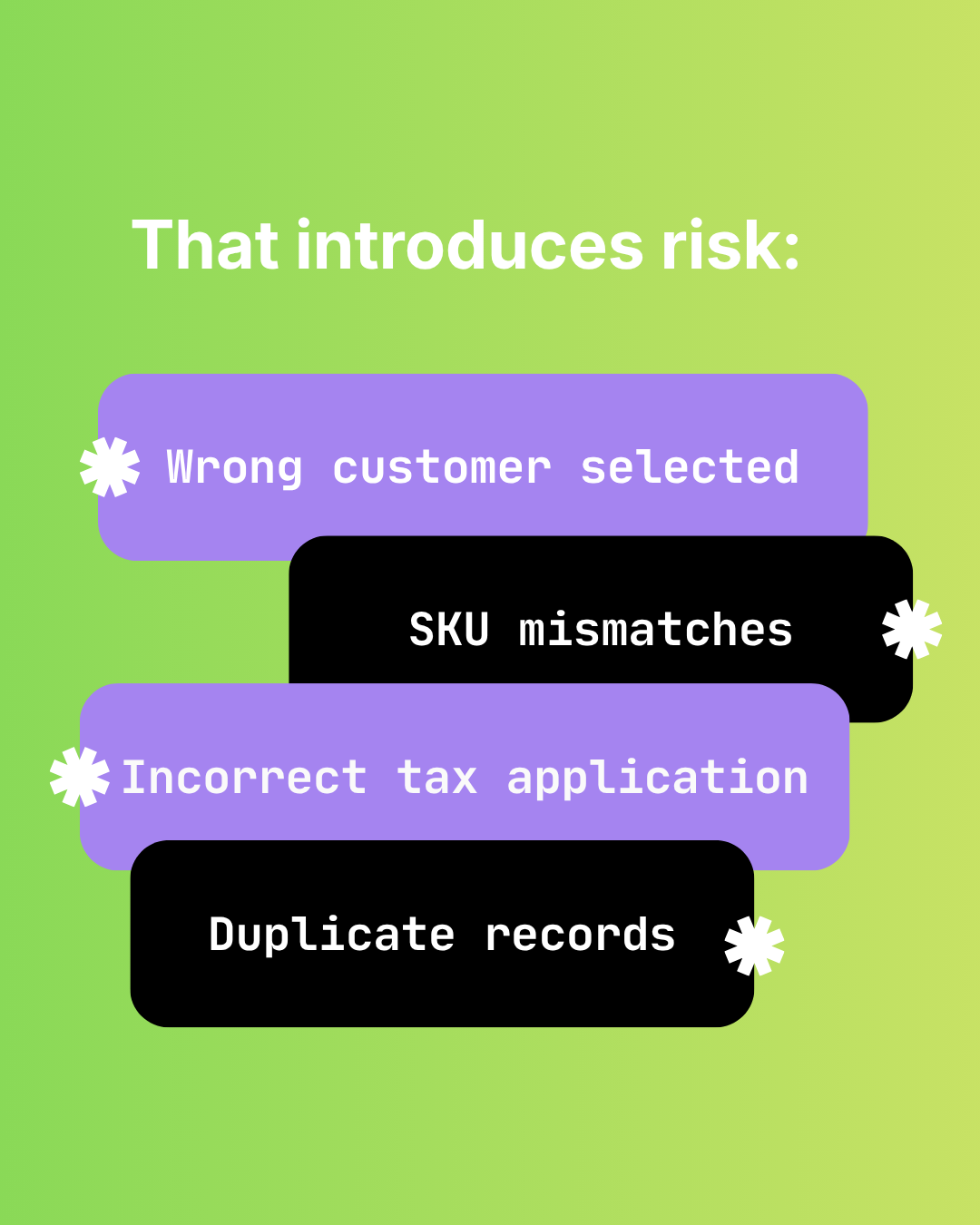
The Hidden Risks of Manual Shopify-to-Sage 50 Data Entry
Audit failure, tax errors, fraud risk, and key-person dependency. The real costs of manual Shopify to Sage 50 data entry beyond time.

How Manual Order Re-Entry Silently Corrupts Your Accounting Data
The hidden cost of manual order entry. Error rates, compounding mistakes, tax drift, and why data corruption isn't visible until month-end reconciliation.
How to Match Shopify Customers to Sage 50 Without Duplicates
Strategic customer matching between Shopify and Sage 50. Email normalization, single web-sales account vs per-customer records, B2B vs DTC flows.