
Shopify Records Activity. Sage 50 Records Truth.
A framing piece — Shopify is the event log, Sage 50 is the system of record. Why both are needed and why the integration boundary matters.
A customer places an order. Shopify records it: "Order #12847 placed at 2:34 PM. Customer john@example.com. $97.45 total. Status: pending payment."
Later, the customer pays. Shopify updates: "Order #12847: Payment captured. Status: paid."
Three days later, the customer requests a refund. Shopify records: "Order #12847: Refund processed. Amount: $97.45. Reason: changed mind."
Two weeks later, the customer disputes the charge with their bank. Shopify records: "Order #12847: Chargeback initiated. Amount: $97.45."
All of these are events. Shopify is a transaction log — a record of what happened, in sequence, as it happened.
Sage 50 is different. Sage 50 records truth: "There is an invoice for $97.45. It posts to revenue on June 2nd. There is a credit note for $97.45 posted on June 6th. There is a chargeback expense of $97.45 posted on June 18th."
Shopify is the event stream. Sage 50 is the system of record. They're not the same thing, and the integration between them has to understand that.
This post is about why that distinction matters.
In this guide:
- Shopify: the event log
- Sage 50: the system of record
- The gap between activity and truth
- Order status vs. accounting status
- The integration boundary
- What gets synced, what doesn't
- When the two disagree
- FAQ

Shopify: The Event Log
Shopify records everything that happens in your store. Every action, every state change, every transaction.
A typical order generates many events:
- Order created
- Payment authorized
- Payment captured
- Fulfillment created
- Items shipped
- Tracking updated
- Payment refunded (maybe)
- Chargeback initiated (maybe)
- Dispute resolved (maybe)
Shopify keeps all of these. You can look at the order history and see every event in sequence.
This is powerful for:
- Tracing what happened to a specific order ("when did we refund this customer?")
- Replaying order history ("what was the state on June 5th?")
- Debugging customer issues ("I can see the refund was issued but the customer says they didn't get it")
- Analytics ("how many refunds did we issue last month?")
But event logs have limitations:
They're sequential and detailed, which is great for "what happened," but not great for "what is the current state." If an order was placed, paid, partially refunded, and then disputed, you have to read all four events to understand the current financial picture.
And Shopify is opinionated about what constitutes an "event" — it tracks commerce activity (orders, payments, fulfillment) but doesn't care about accounting classification (which GL account, which cost center, which tax jurisdiction from an accounting perspective).
Sage 50: The System of Record
Sage 50 records the accounting truth: what happened to your financial position.
The same order, from Sage 50's perspective, is:
- An invoice for $97.45 (created June 2nd, posts to AR and revenue)
- A credit note for $97.45 (issued June 6th, reverses revenue)
- A chargeback expense for $97.45 (posted June 18th, recognized as a loss)
Sage 50 doesn't care about the order's status in Shopify. It doesn't know about "pending payment" or "awaiting fulfillment." Those are Shopify concepts.
Sage 50 cares about:
- What money came in (and went out)
- Which GL accounts are affected
- Which period the transaction belongs to
- Whether the books balance
This is powerful for:
- Creating financial statements (P&L, balance sheet)
- Tax reporting ("how much revenue did I recognize this year?")
- Understanding financial position ("what's my actual gross margin?")
- Audit trails ("prove that this revenue is real")
But accounting records have limitations:
They're aggregated and classified, which is great for "what is the financial truth," but not great for "what happened to this specific transaction." If you want to trace a credit note back to the original order, you need a bridge between systems.
And Sage 50 is opinionated about accounting rules (debit/credit, GL accounts, periods) but doesn't care about business workflow (the order status, fulfillment, customer communication).

The Gap Between Activity and Truth
Here's where the gap appears:
Shopify says: "This order is pending payment." Sage 50 says: "This revenue is recorded."
Which is right? Both. They're answering different questions.
The order is genuinely pending payment from Shopify's perspective (the customer might still dispute it, might request a refund). But from an accounting perspective, the revenue is recognized (under most accounting frameworks, revenue is recognized at the point of sale, not at the point of cash receipt).
Shopify says: "The customer refunded the item." Sage 50 says: "Revenue was recognized in June. A credit note was issued in July."
Again, both are right. The refund happened. But it created a variance between revenue (June) and the reversal (July) that needs to be explained.
Shopify says: "This order is complete." Sage 50 says: "This invoice is posted, this credit note is posted, this chargeback is posted, the net effect is a loss."
Shopify's "complete" means the order has been fulfilled and any issues have been resolved. Sage 50's "complete" means all financial entries have been posted and the books balance.
Order Status vs. Accounting Status
This distinction shows up clearly when you're thinking about what should trigger what in the integration.
Should an invoice be created when:
- The order is placed? (Shopify: no, it's not paid yet. Sage 50: yes, revenue is recognized.)
- The payment is captured? (Shopify: yes, it's paid. Sage 50: also yes, it's now confirmed.)
- The order is fulfilled? (Shopify: yes, it's complete. Sage 50: not necessarily, might be on account.)
The answer depends on your business model and accounting method. For most Shopify merchants (selling to consumers, capturing payment immediately), the answer is "when payment is captured." For a B2B wholesale operation (selling on account), it might be "when the order is placed."
Should a refund create a credit note when:
- The refund is issued in Shopify? (Shopify: yes, the refund happened. Sage 50: yes, revenue is reversed.)
- The refund is completed? (Shopify: status shows "completed". Sage 50: also yes, it's confirmed.)
For refunds, the answer is usually "when the refund is completed," because pending refunds might get reversed.
Should a chargeback post when:
- The chargeback is initiated? (Shopify: it's recorded, might still be disputed. Sage 50: no, we don't recognize the loss until it's confirmed.)
- The chargeback is confirmed? (Shopify: it's final. Sage 50: yes, the loss is confirmed.)
For chargebacks, the answer should be "when confirmed," because some chargebacks are won.

The Integration Boundary
The integration between Shopify and Sage 50 lives at the boundary between activity and truth. Its job is to translate activity (what happened) into accounting entries (the financial impact).
This is not a one-to-one mapping. One Shopify order might create:
- One invoice in Sage 50 (the sale)
- Possibly a credit note (if refunded)
- Possibly a chargeback entry (if disputed)
- Possibly a fee entry (payment processing fee)
- Possibly an inventory entry (decrement)
An integration has to decide:
- Which Shopify events map to which Sage 50 entries — order → invoice, refund → credit note, etc.
- When to create those entries — immediately, or wait for confirmation?
- How to classify them — which GL accounts, which periods, which cost centers?
- What metadata to preserve — order ID, customer info, notes, so the trail stays traceable?
Get this wrong, and your books don't match your orders, or your audit trail breaks, or you're forced to make manual adjustments.
What Gets Synced, What Doesn't
Not everything in Shopify should sync to Sage 50. Some activity is operational (fulfillment tracking, customer communication) and doesn't affect the books.
Synced:
- Orders (become invoices or sales orders)
- Payments/captures (trigger invoice posting)
- Refunds (create credit notes)
- Chargebacks (post as expense or deduction)
- Fees (post as merchant expense)
- Inventory changes (if you track in Sage 50)
Not synced:
- Order status changes (pending → paid → shipped → delivered) — too frequent, not all meaningful for accounting
- Customer communication/notes — operational, not financial
- Fulfillment tracking — operational, not financial
- Return authorizations (before refund is issued) — not yet a financial event
- Discounts (usually included in the order total; separately sync if you want margin analysis)
The integration boundary is between operational events (all the Shopify stuff) and financial events (the ones that affect the books).
When the Two Disagree
Sometimes Shopify and Sage 50 legitimately disagree. This is normal and expected.
Scenario 1: Pending orders
Shopify might show 50 pending orders (paid but not yet fulfilled). Sage 50 shows 50 invoices (revenue recognized). Both are correct. Shopify is tracking operational status; Sage 50 is tracking accounting status.
Scenario 2: Fulfilled but not paid
An order is fulfilled (shipped) but the customer hasn't paid (or paid via invoice/net-30). Shopify shows "awaiting payment." Sage 50 shows an invoice in AR (not revenue yet, or accrued revenue depending on your method). Again, both correct.
Scenario 3: Refund timing
A refund is issued on June 15. Shopify shows "refunded" immediately. Sage 50 shows the credit note dated June 15 (when issued), which reverses June 2nd revenue (when originally recognized). The books show a variance between the two months. This is correct — you're showing revenue in the period it was earned, and reversal in the period it was voided.
Scenario 4: Rounding
Shopify calculates tax to 2 decimal places. Sage 50 does the same. But occasionally they round differently (especially on multi-line orders), and you get a $0.01 variance. Both are correct; the variance is expected and harmless.
How Sagify Bridges This
Sagify is designed to understand this boundary. It's not a mechanical "sync all Shopify data to Sage 50" tool. It's an interpreter that translates activity into accounting truth.
Sagify:
- Reads Shopify events (orders, refunds, chargebacks, payouts)
- Decides which ones are financial and which are operational
- Creates appropriate Sage 50 entries (invoices, credit notes, journal entries)
- Preserves the trail (Shopify order ID → Sage 50 invoice, so you can trace both directions)
- Handles the cases where they legitimately disagree (pending orders, fulfillment timing, rounding)
Example: A customer orders on June 2, pays on June 2, requests a refund on June 15, and gets the refund on June 16.
Shopify logs:
- June 2: order placed, payment captured
- June 15: refund requested
- June 16: refund completed
Sagify creates:
- June 2: invoice for the sale
- June 16: credit note for the refund
Your books show: revenue in June (from the invoice), reversal in June (from the credit note issued in the same month). Or if the refund happens in July:
- July: credit note for the refund (which reverses June revenue)
Your books now show revenue variance between months, which is correct — the sale was in June, the reversal in July.
The point: Sagify understands that Shopify records activity and Sage 50 records truth. The integration has to bridge that gap intelligently.
Ready to bridge the activity-to-truth gap? Book a free demo and we'll show you how Sagify translates Shopify events into accounting truth.
Frequently Asked Questions
Should I create invoices in Sage 50 based on Shopify orders or on payment?
Both are legitimate, depending on your accounting method. Accrual accounting (most common for merchants) creates invoices at order (sale is recognized). Cash accounting creates them at payment. Pick one method and stick with it. An integration should be configurable for both.
What if Shopify and Sage 50 disagree on the total?
That means something didn't sync, or synced wrong. Common causes:
- Missing refunds (Shopify shows a refund; Sage 50 doesn't have a credit note)
- Missing orders (new orders haven't imported yet)
- Tax calculation differences (rare, usually a rounding artifact)
The integration should flag these so you know to investigate.
Do I need an integration if I'm doing accounting myself?
If you have 200+ orders/month, an integration saves you significant time (24–48 hours per month). If you have fewer orders, manual entry is feasible.
Can I use Sage 50 and QuickBooks simultaneously?
Technically yes, but don't. You'd be entering transactions twice, and the two systems would disagree about amounts, timing, and classifications. Pick one system of record.
How do I know if my integration is correctly translating activity to truth?
Monthly reconciliation is the test. If your Sage 50 books reconcile (balance sheet balances, bank matches, revenue makes sense) without manual adjustments, the translation is working. If you're making frequent adjustments, the integration is missing something.
Should I manually adjust Sage 50 entries created by the integration?
Try to avoid it. If an entry is wrong, it's usually better to correct the source (Shopify order, refund status, etc.) and re-sync than to adjust in Sage 50. This preserves the audit trail.
What if my business model doesn't fit the integration's assumptions?
Tell the vendor. Sagify is configurable for most business models (B2B, wholesale, consignment, drop-ship, subscriptions, etc.). If yours doesn't fit, a good vendor should be willing to discuss customization.
Related Reading
- Shopify Sage 50 Integration - The Complete Guide - How integration bridges the activity-to-truth gap
- Month-End Reconciliation for Shopify Merchants on Sage 50 - Reconciliation as the test of correct translation
- What a Dedicated Shopify ↔ Sage 50 Integration Actually Does - How features serve the translation
- What Is Sage 50 Shopify Integration? - Plain-language explainer of the two-system model
- Is Sage 50 Good for a Shopify Business? - Why a ledger-first system is still the right backbone
Ready to get started?
Schedule a demo to see how we can help streamline your workflow.
Related articles
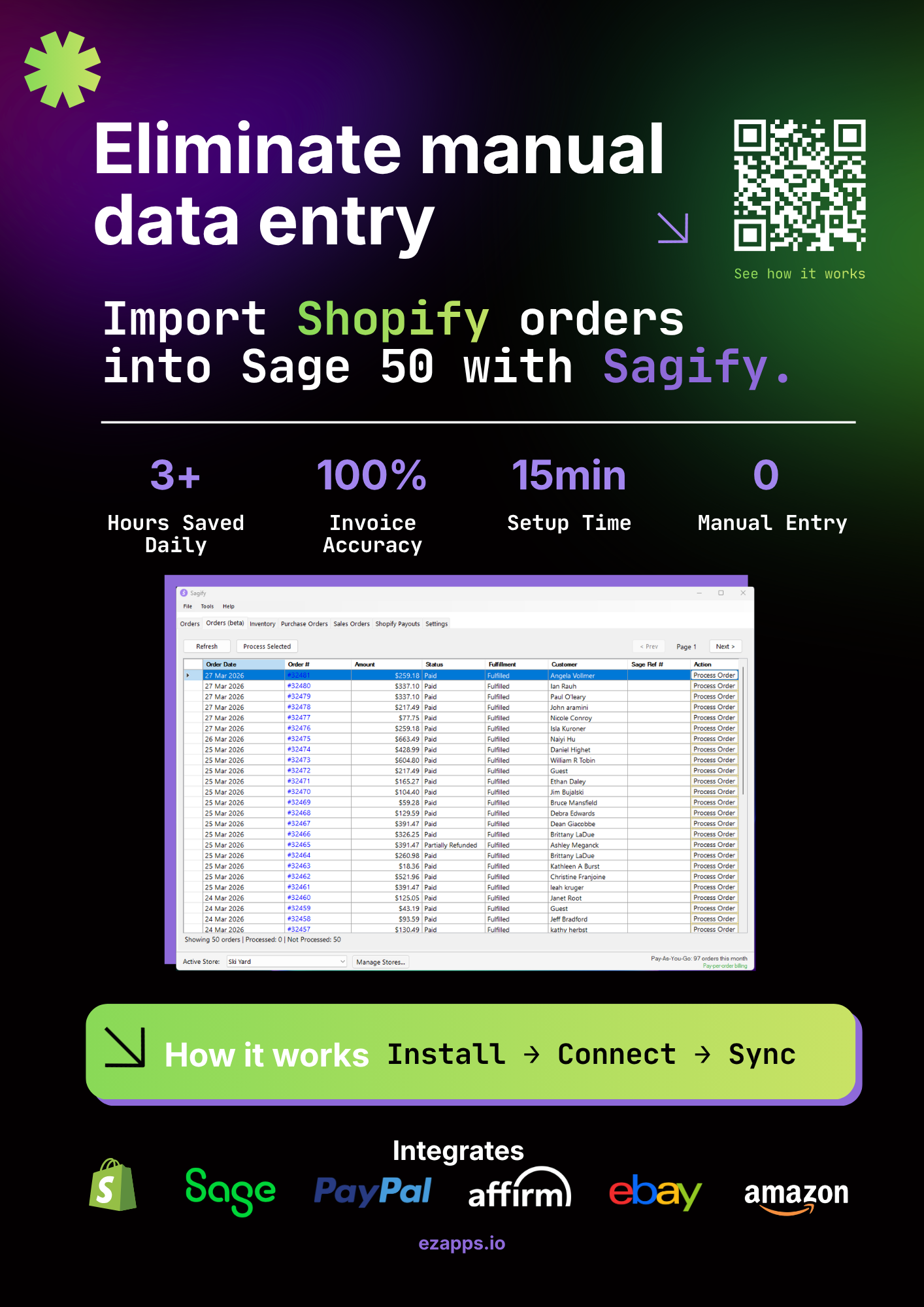
How to Choose a Shopify Accounting Integration — A Buyer's Checklist
The definitive checklist for evaluating Shopify accounting integrations. What to ask, what to test, and what to look out for before you commit.
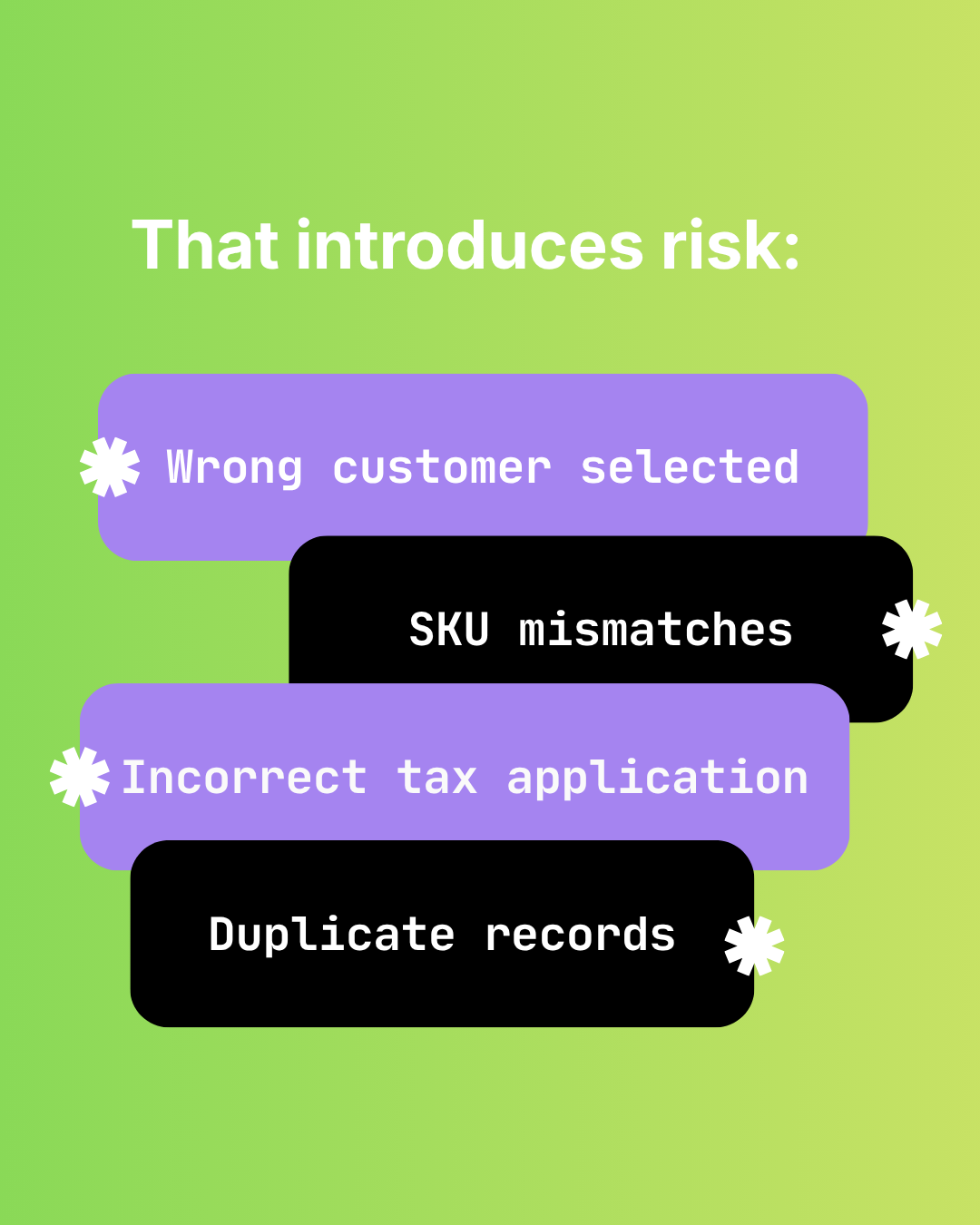
The Hidden Risks of Manual Shopify-to-Sage 50 Data Entry
Audit failure, tax errors, fraud risk, and key-person dependency. The real costs of manual Shopify to Sage 50 data entry beyond time.

How Manual Order Re-Entry Silently Corrupts Your Accounting Data
The hidden cost of manual order entry. Error rates, compounding mistakes, tax drift, and why data corruption isn't visible until month-end reconciliation.