
The Spreadsheet Is the Problem - Why E-Commerce Accounting Breaks at Scale
The spreadsheet that runs your Shopify to Sage 50 workflow is the single biggest risk to your books. Here's why it breaks and what to replace it with.
Somewhere in every growing Shopify business there is a spreadsheet that holds the whole back office together. It has a name like "Orders Master" or "Payouts_Final_FINAL_v3." It was started by someone who no longer works there. It has conditional formatting that nobody remembers writing, formulas that reference a cell two tabs over, and a macro that runs when you open it. Everyone is a little bit afraid of it.
That spreadsheet is the single biggest operational risk in your business, and this post is about why — and what to do about it.
In this post:
- Spreadsheets are great, until they're load-bearing
- The five specific failures
- Why it gets worse, not better
- What replaces it
- A 20-minute audit for your own spreadsheet
- How Sagify replaces the middle-spreadsheet
- FAQ

Spreadsheets Are Great, Until They're Load-Bearing
Nothing against spreadsheets. They're the best thinking tool ever invented for most problems. The trouble starts when a spreadsheet stops being a thinking tool and starts being a production system — when the numbers inside it are the numbers the business runs on.
That transition happens quietly. Someone builds a tab to reconcile Shopify payouts. It works, so it gets used next month. Next quarter, a second tab appears for inventory. Next year, a new hire is trained on "the spreadsheet" as if it were official software.
It isn't software. It's a collection of assumptions in grid form, and every one of those assumptions is one edit away from being wrong.
The Five Specific Failures
In our work with Shopify merchants on Sage 50, we see the same five ways the spreadsheet breaks.
Formula Drift
The problem: Somebody sorts a column and breaks a VLOOKUP. The error doesn't surface for two weeks, by which point three months of payouts have been booked with wrong fees
Why it's inevitable: Formulas assume row order. A single "sort by date" breaks relationships that nobody documented.
Version Confusion
The problem: The spreadsheet lives in a shared drive. Two people open it, both make edits, one saves over the other. Nobody can tell which numbers are real.
Why it's inevitable: Spreadsheets don't have real concurrency control. Shared access creates conflicts that get resolved silently.
No Audit Trail
The problem: Sage 50 has an audit log. Shopify has a payout report. The spreadsheet in between has no memory. When a number is wrong, the only diagnostic is "let's re-do it."
Why it's inevitable: Cell-level change history doesn't exist in most spreadsheet setups, and even where it does, nobody reads it.
Manual Propagation Errors
The problem: Someone enters an order twice. Someone misses a refund. Someone types 1.99 instead of 19.90. These are not rare events at scale — they're inevitable, and they land in your books.
Why it's inevitable: Human data entry has a baseline error rate of roughly 1% no matter how careful the operator.
Key-Person Risk
The problem: The spreadsheet was built by one person. That person goes on vacation. A cell breaks. Nobody else can fix it because nobody else understands the logic. Your month-end close just slipped a week.
Why it's inevitable: Every spreadsheet becomes a dialect of its author. Without documentation, that dialect dies with them.
Any one of these would be a reason to invest in a real system. Most merchants have all five running concurrently.

Why It Gets Worse, Not Better
The common assumption is that the spreadsheet will be fine until you grow "a bit more." This is exactly backwards. Every increment of growth makes the spreadsheet more fragile, because:
- More orders = more rows = more chances for a bad edit to cascade
- More SKUs = more lookups = more formula dependencies
- More channels (PayPal, Afterpay, Amazon Pay) = more tabs = more integration surface
- More people touching it = more edit conflicts
- More time = more accumulated drift
The spreadsheet that worked at 50 orders/week will not work at 500. And the transition from "working" to "broken" is not gradual — it's usually a specific Monday morning when something big is wrong and nobody knows where it started.
What Replaces It
The replacement for a load-bearing spreadsheet is not a bigger spreadsheet. It's a system where the data flows directly between the systems of record — Shopify and Sage 50, in this case — with no human retyping in between.
The three things that system has to provide, which a spreadsheet never can:
- Idempotency. Running the same import twice produces the same result. No duplicates, ever.
- Audit trail. Every Sage 50 entry can be traced to the specific Shopify event that created it.
- Determinism. Given the same inputs, you get the same outputs. Formulas don't drift. Tabs don't get accidentally sorted.
These sound like technical features. They're really operational peace of mind — the difference between a close you trust and a close you're hoping is right.
A 20-Minute Audit for Your Own Spreadsheet
You don't have to replace the spreadsheet today. But do this this week:
- Find the spreadsheet. You know which one it is.
- Open it with the mindset of a new employee. Could they figure out how it works?
- Count the formulas that reference other tabs. Each one is a fragility point.
- Identify the one person who would have to be called if it broke. That's your key-person risk made concrete.
- Trace one number from a Shopify order through to a Sage 50 entry. How many manual hops? Each hop is an error opportunity.
If the exercise makes you uncomfortable, good. That's the first step to deciding it's time for a real system.
How Sagify Replaces the Middle-Spreadsheet
Sagify replaces the specific spreadsheet that sits between Shopify and Sage 50. Orders, customers, inventory, and payouts flow directly, with idempotency and a full audit trail. There's no grid, no macro, no single person who knows how it works.
- Orders become Sage 50 invoices automatically — see the order import guide
- Payouts reconcile to the bank automatically — see the payout reconciliation guide
- Inventory stays in step — see the inventory sync guide
Every Sage 50 entry references the originating Shopify order. Every sync is idempotent. Every run is deterministic. The spreadsheet in the middle doesn't have a job anymore.
Ready to retire the spreadsheet? Book a free demo and we'll show you what your back office looks like without it.
Frequently Asked Questions
Do I really need to replace my spreadsheet if it's working?
If it's working and your volume isn't growing, maybe not. But the failure modes above don't surface until they're expensive. Most merchants who get rid of the middle-spreadsheet wish they'd done it a year earlier.
What about CSV imports into Sage 50 — aren't those "automation"?
Sage 50 doesn't natively import sales invoices or orders from CSV, so CSV-based workflows still require manual invoice creation. It's a reference, not an automation.
Can Sagify handle my specific chart of accounts?
Yes. Account mapping is configurable per revenue stream, per product line, and per tax jurisdiction. Your chart of accounts is respected, not flattened.
How long does switching from a spreadsheet workflow to Sagify take?
Typical setups go live in two weeks, with another two weeks of running both processes in parallel before turning the spreadsheet off. No big bang.
What if I want to keep using a spreadsheet for reporting?
That's fine — spreadsheets are great for reporting. The point is to take them out of the data-entry path, not ban them entirely. Export from Sage 50 to a spreadsheet for analysis all you want; just don't let a spreadsheet be the source of truth.
Related Reading
- Shopify Sage 50 Integration - The Complete Guide - Full integration overview
- How to Automatically Import Shopify Orders into Sage 50 - Order-side automation
- How to Reconcile Shopify Payouts in Sage 50 - The payout-reconciliation replacement
- Common Sage 50 Shopify Integration Issues - Troubleshooting guide
- Tula Hats Case Study - A merchant who retired the middle-spreadsheet
Ready to get started?
Schedule a demo to see how we can help streamline your workflow.
Related articles

Shopify Sage 50 Integration - The Complete Guide for 2026
The complete guide to integrating Shopify with Sage 50. What syncs, what breaks, and how to eliminate manual entry while keeping your ledger clean.
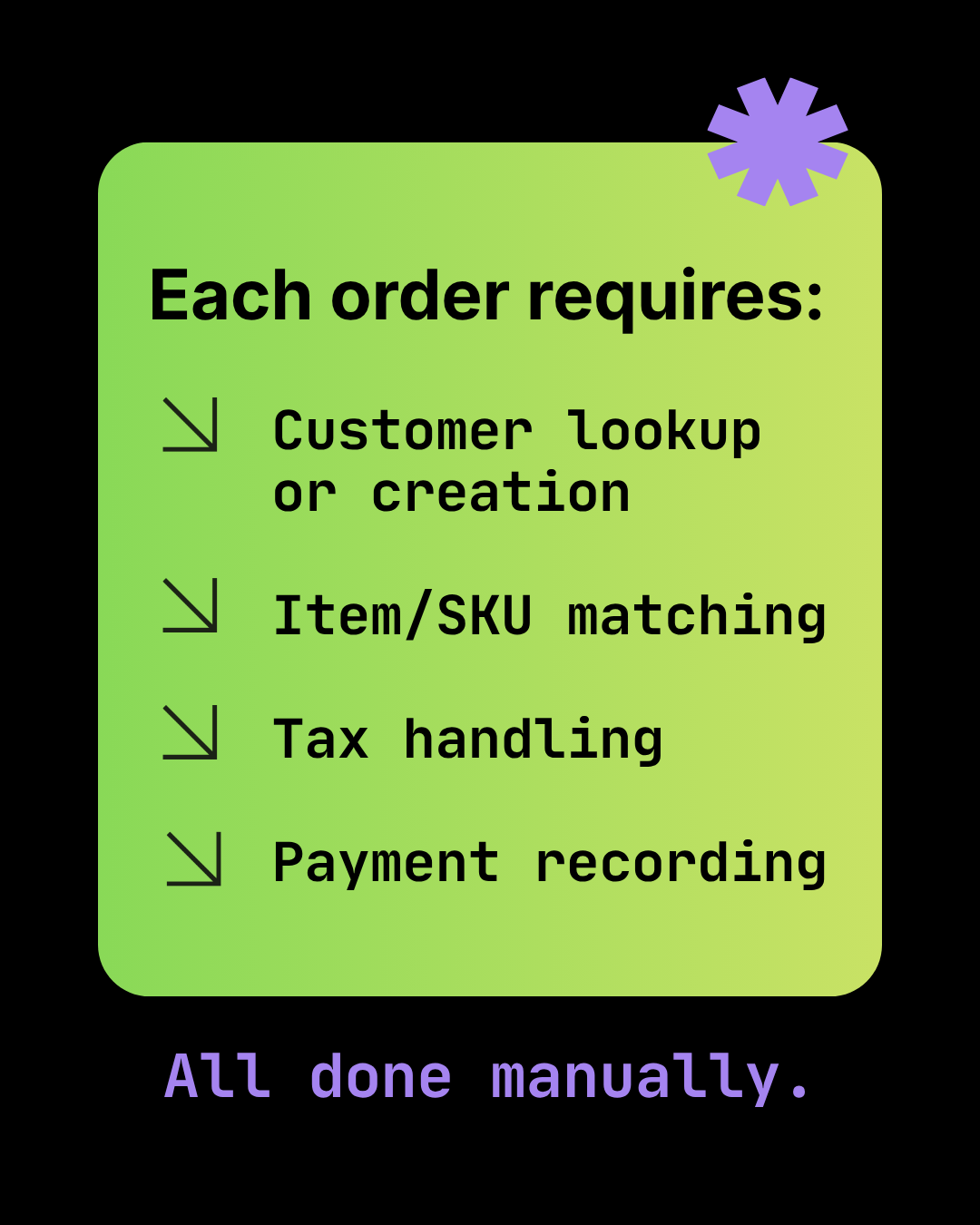
The True Cost of Manual Shopify-to-Sage 50 Data Entry
Calculate the real cost of manual order entry — error rates, opportunity cost, burnout, and delayed financials. Plus a simple ROI framework.
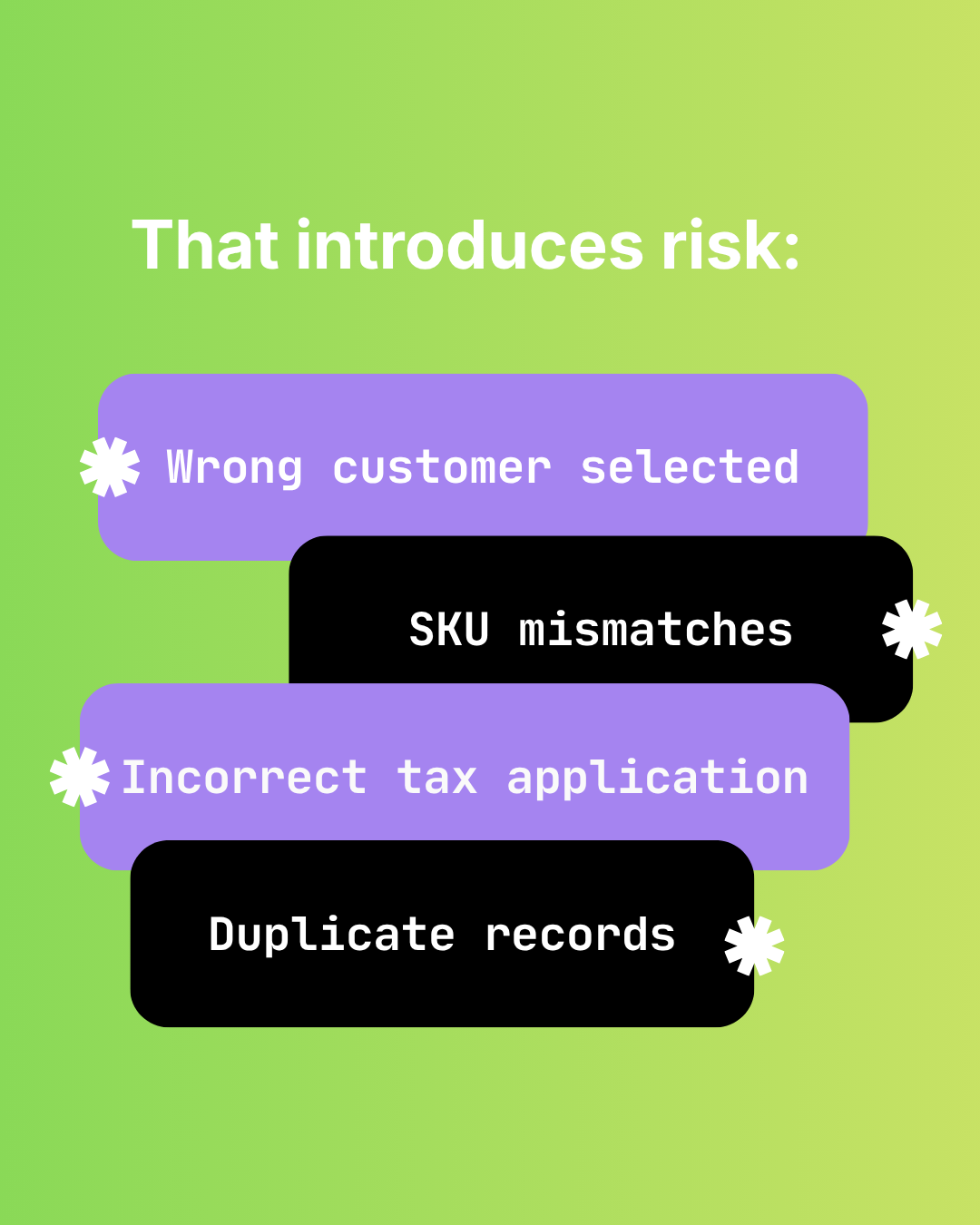
The Hidden Risks of Manual Shopify-to-Sage 50 Data Entry
Audit failure, tax errors, fraud risk, and key-person dependency. The real costs of manual Shopify to Sage 50 data entry beyond time.