import-shopify-orders-sage-50
title: How to Import Shopify Orders into Sage 50: The Manual Method vs. Automated description: Compare manual, CSV-assisted, and automated order import methods for Shopify and Sage 50. Learn when each approach makes sense for your volume. date: 2026-11-16 tags: ["sagify", "sage50", "shopify", "order import", "automation", "data entry", "sagify-us"] banner: "/sagify/sagify-banner.webp" image: "/blogs/pdf1_product-walkthrough_slide2.png" showBooking: true
Your Shopify store is running smoothly. Orders are flowing in. Customers are happy. But in your back office, someone is sitting at a desk, switching between two windows, typing order details one at a time into Sage 50.
This works when you're processing 10 orders a week. It does not work when you're processing 200 orders a week. And the transition from "works" to "doesn't work" happens faster than you'd expect. At some point, usually around 15–20 orders per day, the economics flip completely. Manual entry becomes the bottleneck.
The question isn't whether you should automate order import. It's when. This guide walks through the decision tree — what each method costs in time and accuracy, and the volume threshold where automation becomes the obvious choice.
In this guide:
- The time cost of each method
- Manual entry: When it still works
- CSV-assisted entry: The middle ground
- Automation with Sagify: Scaling without scaling headcount
- Accuracy comparison
- The threshold: When to switch
- Implementation timeline for each approach
- FAQ

The Time Cost of Each Method
Let's start with numbers, because numbers are what drive the decision.
Manual Entry: 3–5 Minutes Per Invoice
A bookkeeper opens a Shopify order in one window, Sage 50 in another, and types:
- Customer name and address
- Line items (SKU, description, qty, price)
- Discounts
- Shipping
- Tax
- Payment method
For a typical order with 2–3 line items, this takes 3–5 minutes. Experienced bookkeepers with muscle memory can get down to 2.5 minutes. Orders with complex customizations, multi-item bundles, or customer address corrections take longer — 7–10 minutes.
At 20 orders/day: 60–100 minutes (1–1.5 hours) At 50 orders/day: 150–250 minutes (2.5–4 hours) At 100 orders/day: 300–500 minutes (5–8 hours)
At 50 orders per day, you're consuming a full-time staff member just on order entry. At 100, you need two people.
CSV-Assisted Entry: Still Manual, Slightly Faster
Some businesses export a CSV from Shopify and use it as a reference while typing into Sage 50. This eliminates the context-switching cost but doesn't eliminate the typing.
Time savings: 10–20%. You're still entering every line item manually, but you're not flipping between windows to check SKUs or customer names.
At 20 orders/day: 50–90 minutes (0.8–1.5 hours) At 50 orders/day: 130–230 minutes (2–4 hours) At 100 orders/day: 260–450 minutes (4.5–7.5 hours)
This is better, but the marginal improvement fades as volume grows. You're still bounded by human typing speed.
Automation with Sagify: <2 Seconds Per Invoice
Sagify imports all orders in a batch. Setup takes 30 minutes. Running an import takes 30 seconds for 10 orders, 2 minutes for 100 orders, 15 minutes for 1,000 orders.
At 20 orders/day: 2 minutes (once per day) At 50 orders/day: 5 minutes (once per day) At 100 orders/day: 10 minutes (once per day)
After 30 days of orders, the automation approach saves 40–400 hours depending on your volume. In month two, it saves that again.
Manual Entry: When It Still Works
Manual entry makes sense only under specific conditions:
- Volume is below 15 orders per day — the time investment doesn't demand a second staff member
- Orders are simple — mostly single-item orders, domestic shipping, no custom fields
- Your bookkeeper is new to the process — they need to see each order once to understand your workflow
- You're in a pilot phase — testing whether Shopify is right for your business
If all four apply, manual entry is fine. You're paying attention to each order, learning your data, and the time cost is acceptable.
Why Manual Entry Fails
As volume grows, you hit three walls simultaneously:
The staffing wall: Your bookkeeper can't work faster than 2.5–3 minutes per order. At 100 orders per day, that's 4–5 hours of pure data entry. You need a second person, which costs $30–50k annually just to move orders between systems.
The accuracy wall: At 1% error rate (typical for manual entry), 100 orders/day means 1 error per day. Over a month, that's 20–25 errors catching in reconciliation or month-end close. At the speed of Sage 50 data entry, fixing those errors costs time you don't have.
The fatigue wall: Nobody entered accounting to copy data. After a few months of daily order entry, your best bookkeeper looks for a job where they're not essentially a human OCR machine. Turnover becomes expensive.

CSV-Assisted Entry: The Middle Ground
CSV export + manual entry is a real workflow that some businesses use. Shopify can export orders as CSV, and you use that as a reference while entering invoices into Sage 50.
Pros:
- One step faster than pure manual entry
- You have a list of orders to work through systematically
- Helps prevent missed orders
Cons:
- You're still typing every line item into Sage 50
- Sage 50 doesn't import sales invoices from CSV (you'd have to export a formatted CSV, import it as a different document type, and remap it)
- Error rate is the same as manual entry — still ~1%
- Doesn't scale. At 50 orders/day, you're still spending 2.5–4 hours
CSV-assisted entry is a stepping stone, not a solution. It's what you do when you're outgrowing manual but not yet ready to commit to integration software.
Automation with Sagify: Scaling Without Scaling Headcount
Sagify handles the entire import process. You configure it once, then run it daily, weekly, or monthly depending on your preference.
Setup (one-time):
- Download Sagify from ezapps.io/products/sagify-us
- Connect your Shopify store (5 minutes, OAuth)
- Link your Sage 50 company file (2 minutes, file selection)
- Map your accounts (Sales AR, Tax accounts) in Sage 50 (15 minutes)
- Test with 5 orders (5 minutes)
You're live in 30 minutes.
Daily/Weekly Workflow:
- Open Sagify
- Select your date range
- Click "Process"
- Sagify imports all orders in the range
At 100 orders/day: 10 minutes per run, maybe 5 minutes to review the summary before posting. Total: 15 minutes. At 500 orders/day: Same 15 minutes. The software scales; staffing doesn't.
The key difference: you're not paying per-order time anymore. You're paying per-batch time, which is constant.
What Gets Imported Automatically
- Full order details (number, date, line items)
- Customer name, email, billing and shipping address
- SKU-based product matching (creates items in Sage 50 if they don't exist)
- Taxes, discounts, shipping
- Refunds as credit notes
- Duplicate prevention (Sagify never re-imports the same order twice)
Configurable Logic
You choose how orders are imported:
- Invoice vs. Sales Order: Rules based on customer tags, order tags, or amount thresholds
- Customer Matching: Match to existing Sage 50 customers or consolidate all orders under a "Shopify" account
- Account Mapping: Select which GL revenue and receivable accounts to use
- Date Range: Full control over which orders to include in each import

Accuracy Comparison
| Aspect | Manual | CSV-Assisted | Sagify |
|---|---|---|---|
| Error rate (typical) | 1–2% | 1–2% | <0.1% |
| Tax accuracy | Depends on typing | Depends on typing | Always correct (from Shopify) |
| Missing customers | Manual creation | Manual creation | Auto-created, no duplicates |
| Missing products | Manual creation | Manual creation | Auto-created with SKU |
| Duplicate invoices | Possible with re-entry | Possible with re-entry | Prevented automatically |
| Audit trail | Very weak | Weak | Complete (order → invoice) |
Manual and CSV-assisted both rely on human accuracy. Sagify uses Shopify's data directly, so accuracy is much higher.
The Threshold: When to Switch
Here's a simple framework:
Under 10 orders/day: Stay with manual entry. The time cost is <1 hour per day. Your payback period on Sagify is very long.
10–30 orders/day: Evaluate CSV-assisted entry. You're at ~1–2 hours per day manually. Sagify saves maybe 8–10 hours per week, worth about $400–500 in monthly bookkeeper time.
30–50 orders/day: Sagify becomes profitable within 2–3 months. You're spending 2.5–4 hours per day on order entry. Sagify reduces it to 15 minutes.
50+ orders/day: Sagify is not optional. You either automate or hire a second data-entry person. The software saves you both the staff cost and the error remediation.
100+ orders/day: Automation is the only scalable option. Each person can handle a certain order volume; beyond that, you're adding headcount. Software scales linearly without adding headcount.
Implementation Timeline for Each Approach
Manual Entry:
- Day 1: Hire someone
- Day 2: Train them on your processes and Sage 50
- Week 1: They're at 4 minutes per order (still learning)
- Week 4: They're at 2.5–3 minutes per order (steady state)
CSV-Assisted:
- Day 1: Set up Shopify CSV export
- Day 2: Create a reference checklist
- Week 1: 2.5–4 hours per day
- No further improvement
Sagify:
- Day 1: Download and install
- Day 1, hour 1: Connect Shopify and Sage 50
- Day 1, hour 1.5: Map accounts and test
- Day 2: Run first import (all working)
- Day 30: Processing 200 orders per month in 10 minutes per run
Sagify is fast to implement and starts saving time immediately.
Ready to see how much time you could save? Book a free demo and we'll calculate your payback period based on your actual order volume.
Frequently Asked Questions
At what point should I switch from manual to automated?
The economic threshold is roughly 30–40 orders per day. Below that, the staff time savings don't justify the software cost. Above it, automation almost always wins.
Does Sagify work with all Shopify plan levels?
Yes. Sagify integrates with Shopify stores on any plan — Basic, Shopify, Advanced, or Plus.
Can I keep using manual entry for some orders and automation for others?
Yes, though it's more complex than it needs to be. Most customers who automate some orders eventually automate all of them because the benefit is so clear.
How long does the initial Sagify setup take?
30 minutes to an hour, including testing. Most businesses are processing live orders by the end of day one.
What if my orders have custom fields or special requirements?
Sagify can be configured to handle custom Shopify metafields and map them to specific Sage 50 accounts or line items. Contact support for details on your specific use case.
Can I still manually enter orders if Sagify is running?
Yes. Manual and automated entries can coexist. Sagify's duplicate prevention ensures you won't create double invoices even if you enter an order both ways.
Related Reading
- Shopify Sage 50 Integration with Sagify - Complete overview of Sagify's integration capabilities
- How to Reconcile Shopify Payouts in Sage 50 - Automating the payout reconciliation side
- The Spreadsheet Is the Problem - Why manual workflows break at scale
- Common Sage 50 Shopify Integration Issues - Troubleshooting guide
- How to Sync Sage 50 and Shopify Inventory - Inventory sync automation
- How to Import Shopify Orders into Sage 50 - The published pillar on order-import methods
Related articles
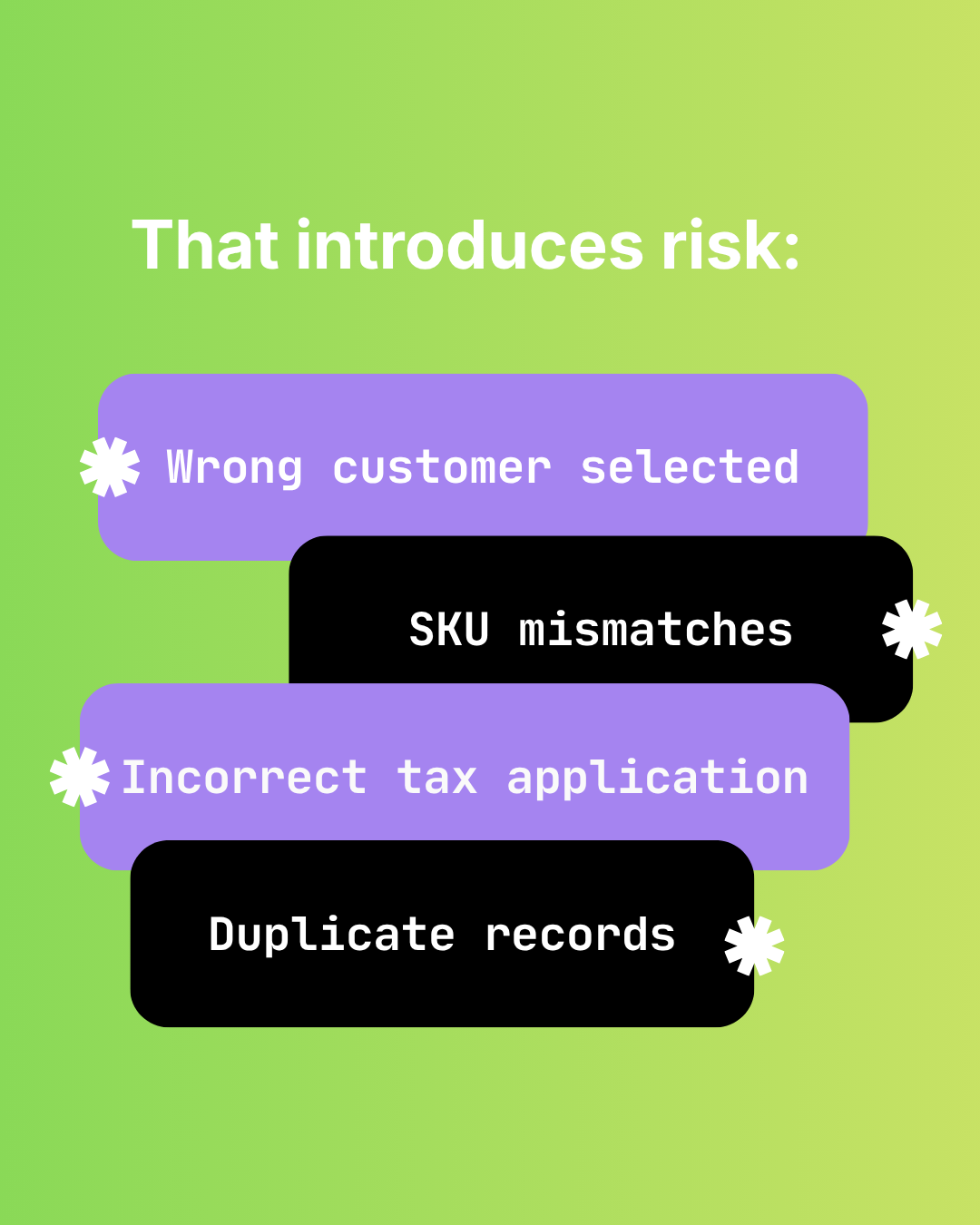
The Hidden Risks of Manual Shopify-to-Sage 50 Data Entry
Audit failure, tax errors, fraud risk, and key-person dependency. The real costs of manual Shopify to Sage 50 data entry beyond time.

How Manual Order Re-Entry Silently Corrupts Your Accounting Data
The hidden cost of manual order entry. Error rates, compounding mistakes, tax drift, and why data corruption isn't visible until month-end reconciliation.
How to Match Shopify Customers to Sage 50 Without Duplicates
Strategic customer matching between Shopify and Sage 50. Email normalization, single web-sales account vs per-customer records, B2B vs DTC flows.