
Two Sagify Case Studies, One Lesson — You Don't Have to Migrate Off Sage 50
Why Tula Hats and Emergent Respiratory didn't move to QuickBooks Online. They bridged Shopify to the Sage 50 they already trusted.
When your Shopify accounting breaks — when the manual entry starts eating weekends or your inventory won't stay in sync — the first question consultants ask is: "Have you considered moving to QuickBooks Online?"
It's a reflex. Cloud accounting feels simpler. It's what everyone's moving to. And the friction between Shopify and Sage 50 is real enough that starting fresh can seem easier than fixing it.
Two real merchants chose a different path. They didn't migrate. They integrated.
In this post:
- The migration reflex
- Why Tula Hats stayed on Sage 50
- Why Emergent Respiratory stayed on Sage 50
- The common thread
- What migration costs that you don't see
- When to migrate and when to bridge
- FAQ

The Migration Reflex
Here's how it usually goes:
You've been on Sage 50 for five years. Your GL chart is custom-built to match your cost structure. Your tax rules are set up for multi-state sales. You've got historical data going back years, and you've built workflows around how Sage 50 thinks — bank reconciliation, inventory, AP aging.
Then Shopify grows from side-channel to primary, and suddenly the gap between the storefront and the ledger becomes the bottleneck. Manual entry is eating time. Payouts don't reconcile cleanly. Your month-end close depends on someone sitting down with a spreadsheet and a calculator.
The reaction is almost always: Start over. Move to QuickBooks Online. Get a fresh system that talks to Shopify natively. It feels like the path of least resistance.
It rarely is.
Why Tula Hats Stayed on Sage 50
Tula Hats is a 36-year-old wholesale hat business. Three years ago, they added a DTC Shopify store to their existing B2B channels. A year after that, they added a second Shopify store for a new product line.
Their accounting had 36 years of data and a GL chart shaped to the specifics of hat manufacturing and wholesale distribution — separate revenue accounts per product line, custom tax configurations, legacy fixed assets they were still depreciating.
When the first bookkeeper said "this is unsustainable," the CFO's first thought was to migrate.
But the audit came due. Migrating to QuickBooks Online meant:
Reclassifying 36 years of historical data — GL accounts don't map 1:1 between systems. Every category needs to be re-evaluated. What's depreciation in Sage 50 might be a different account class in QuickBooks. That's not a copy-paste exercise.
Rebuilding tax rules — Three states, seasonal variations, tax holidays, B2B exemptions. Their Sage 50 rules were tuned over years. QuickBooks has simpler tax, and it would have required re-auditing their tax compliance.
Retraining the team — QuickBooks Online is different. Bank rec works differently. Fixed asset handling is different. Inventory functions are different. You're looking at weeks of team downtime while people learn a new system.
Losing institutional knowledge — Their Sage 50 setup was ugly in places, but it was theirs. Someone understood why that depreciation method was chosen, why that GL structure worked. Moving means starting from scratch and re-earning that knowledge.
Instead, they integrated with Sagify. Kept Sage 50 exactly as it was. Automated the Shopify layer on top of it.
Setup took two weeks. Migration to QuickBooks would have taken two months and risked three tax seasons' worth of compliance.

Why Emergent Respiratory Stayed on Sage 50
Emergent Respiratory Products sells respiratory equipment to medical facilities. They run a Shopify store for online sales, but their real revenue comes from direct enterprise deals managed through custom workflows.
They've been on Sage 50 for a decade. Their accounting is meticulous — separate GL accounts per customer, regulatory compliance tracking, multi-currency handling for cross-border deals.
The pain point: Shopify orders were batching up every quarter, creating a 40-60 hour catch-up process to key everything into Sage 50.
Moving to QuickBooks Online would have meant:
Reclassifying every customer account — They have custom GL accounts per major customer for tracking contracts and payment terms. QuickBooks' simpler AR model wouldn't preserve that structure.
Re-auditing regulatory compliance — They operate under specific healthcare compliance rules. Their Sage 50 audit trail and GL structure was built to pass those reviews. QuickBooks would have required a fresh compliance audit before they could use it in production.
Retesting multi-currency workflows — They deal in USD, CAD, and occasionally EUR. Sage 50's multi-currency handling is mature and tested in their environment. Switching to QuickBooks would mean rebuilding and re-testing those rules.
Instead, they integrated with Sagify. Orders now process daily into the exact Sage 50 setup they've trusted for a decade.
The Common Thread
Both merchants shared the same insight: The friction wasn't Sage 50. The friction was the bridge between Shopify and Sage 50.
Neither merchant had outgrown Sage 50. Neither needed QuickBooks' features. Neither wanted to pay the cost of a platform migration. They wanted their existing system to work better with their new channel.
Integration solved the problem. Migration would have created three more.
What Migration Costs That You Don't See
When you're evaluating "stay and integrate" versus "migrate," the numbers most consultants show focus on the obvious:
- License costs
- Setup time
- Immediate labor
But migration has hidden costs that dwarf the visible ones:
Historical Data Risk
Moving seven years of GL history to a new system is risky. You need to verify every account, every balance, every roll-forward. If something doesn't reconcile on day one, your starting position is suspect. Auditors hate that. You may be forced to do a data audit that costs thousands.
Custom Rules Are Fragile
Your Sage 50 setup — the GL structure, the tax rules, the bank rec patterns, the fixed asset methods — represents accumulated knowledge. Moving to a new system means rebuilding all of it, and new systems have different assumptions. That holiday tax rule you've had for three years? QuickBooks might not support it the same way. Rebuilding it takes time and introduces risk.
Team Downtime Is Expensive
You're not just moving software; you're retraining your team. Even if individual training is quick, the aggregate productivity loss is significant. And for the first 30-60 days after switch, you're slower and more error-prone while people find things.
Compliance Reset
If you're in any regulated industry (healthcare, financial services, legal), your current system probably has audit trails and controls built for your specific rules. Moving systems means rebuilding those controls in a new environment and getting compliance sign-off. That's not trivial.
Sunk Data Knowledge
Your accountant knows where everything is in Sage 50. They know why that GL code is there, what that custom field means, which rules apply to which accounts. On day one of QuickBooks, they know none of that. The productivity penalty is real.
When to Migrate and When to Bridge
Migrate if:
- You've outgrown Sage 50's feature set (you need real-time GL access from multiple locations, you need mobile AR, you need SaaS-based audit controls)
- Your current Sage 50 setup is so broken that rebuilding from scratch in a new system is actually simpler
- You're consolidating systems — moving from both Sage 50 and another accounting platform to one unified cloud system
- Your team strongly prefers cloud-based tools and the migration is becoming a retention risk
Bridge with Sagify if:
- Your Sage 50 setup works well; the friction is with the Shopify layer
- You have 5+ years of GL history and custom rules tuned to your business
- Your business is stable and you're not about to go through another system re-audit
- You want to fix the Shopify-Sage 50 problem without taking on the risk of a platform migration
- Your team is comfortable with Sage 50 and you'd rather improve the tool you know than learn a new one
Most merchants fit the second category. They chose Sage 50 for a reason. It still works. The bridge was broken.
Not sure which path is right for you? Book a free demo and we'll assess whether Sagify solves your problem or whether migration is the right move.
Frequently Asked Questions
Isn't QuickBooks Online cheaper than a Sagify subscription plus Sage 50?
Not necessarily. QuickBooks Online Plus (which you'd need for inventory and multi-user) costs about $160/month. Sage 50 is a one-time purchase (around $200-400 for standard edition). Sagify adds $100-200/month. But factor in the migration cost — two weeks of staff time, potential consulting, data cleanup — and you're looking at $3,000-10,000 just to switch. The break-even on keeping Sage 50 and adding Sagify is typically 6-12 months.
Can Sagify handle our complex GL structure?
Yes. Sagify has custom GL mapping built for multi-line-item charts of accounts. You can map by product, by channel, by tax jurisdiction, or custom rules.
What if we do decide to migrate later?
Sagify keeps everything in your Sage 50 file. If you later decide to move to QuickBooks, your historical data and invoice records are still there — ready to export and migrate.
Does Sagify work with both Sage 50 US and Sage 50 Canada?
Yes. There are two editions — Sage 50 US and Sage 50 Canada — each built for the respective version.
How long until Sagify handles all our Shopify-Sage 50 pain points?
Most merchants report 80%+ reduction in manual entry time within the first month. Inventory sync and payout reconciliation are fully automated from day one.
What if we want to migrate to QuickBooks in the future?
Your data stays in Sage 50 until you actively export and move it. There's no lock-in. But be realistic: migrating a system with years of automation on top usually costs more than you expect.
Related Reading
- How Tula Hats Got Their Month-End Back With Sagify - Wholesale merchant's story
- How Emergent Respiratory Ended Quarterly Catch-Up Weekends - B2B merchant's story
- Shopify Sage 50 Integration - The Complete Guide - Full integration overview
- Sage 50 vs. QuickBooks Online for Shopify Merchants - Direct comparison
- Who Sagify Is For - Fit assessment
- Emergent Respiratory Case Study - The published customer story
Ready to get started?
Schedule a demo to see how we can help streamline your workflow.
Related articles
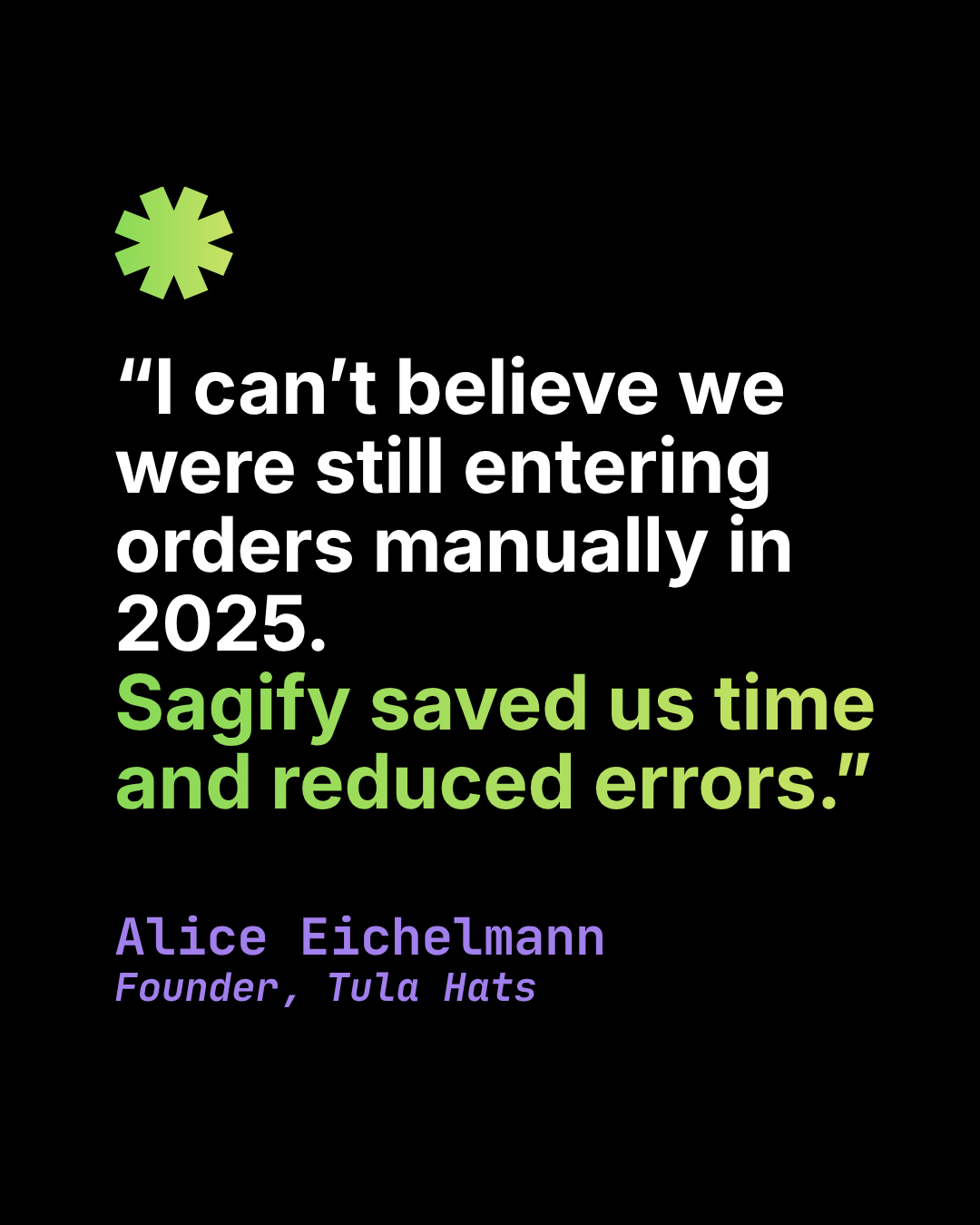
How Tula Hats Got Their Month-End Back With Sagify
How a wholesale hat business eliminated 10+ hours of weekly manual entry between Shopify and Sage 50 and turned a three-day month-end close into a same-day exercise.
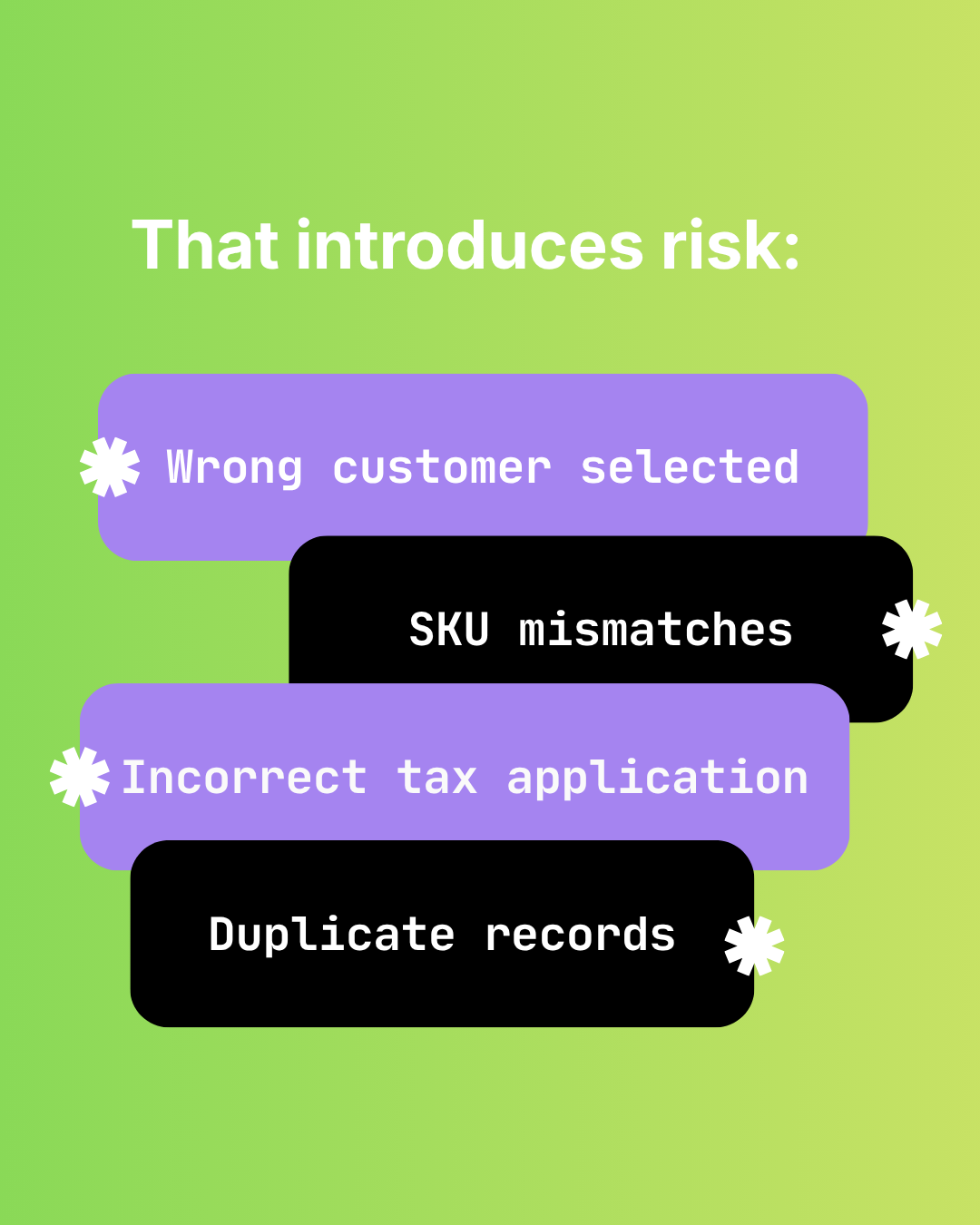
The Hidden Risks of Manual Shopify-to-Sage 50 Data Entry
Audit failure, tax errors, fraud risk, and key-person dependency. The real costs of manual Shopify to Sage 50 data entry beyond time.

How Manual Order Re-Entry Silently Corrupts Your Accounting Data
The hidden cost of manual order entry. Error rates, compounding mistakes, tax drift, and why data corruption isn't visible until month-end reconciliation.