
How Emergent Respiratory Ended Quarterly Accounting Catch-Up Weekends
How a B2B Shopify seller automated quarterly order batches into Sage 50 and reclaimed their weekends. From painful catch-up marathons to daily sync.
Most B2B merchants running Shopify don't think of themselves as high-frequency processors. They get bigger orders, longer sales cycles, and smaller order counts. So when Emergent Respiratory Products looked at their accounting workflow, they thought the manual approach would scale fine.
Until it didn't. By Q3, they'd accumulated a quarter's worth of Shopify orders — over 800 transactions — sitting in a spreadsheet waiting to be keyed into Sage 50. The catch-up had become a three-day weekend marathon. Every quarter, like clockwork, someone was in the office on Saturday and Sunday, hunting through spreadsheets to match orders and customers.
This is the story of how they moved from quarterly bulk-processing to daily automation, and what shifted when they did.
In this post:
- The setup
- The quarterly catch-up problem
- Why manual batching failed at scale
- What changed with Sagify
- The numbers
- What this means for B2B merchants
- FAQ

The Setup
Merchant: Emergent Respiratory Products
Industry: B2B respiratory equipment and supplies (Shopify + direct sales)
Volume: 800-1,200 orders per quarter
Accounting stack: Sage 50 US
Problem: Orders were being batched quarterly and manually keyed into Sage 50, creating a painful catch-up weekend every 90 days
Their workflow was a classic catch-up pattern: orders arrived steadily in Shopify, but their accounting team couldn't justify daily data entry when volumes seemed manageable. So the spreadsheet pile grew. By the end of quarter one, they had 200 orders to process. By quarter-end, 800.
"We'd tell ourselves we'd knock it out on a Friday afternoon," their controller said. "It never happened that way. It became a whole weekend, and by then we'd lost track of what customer bought what."
The Quarterly Catch-Up Problem
The catch-up model felt reasonable on paper. In practice, it created three specific pain points.
Data Staleness
Orders placed in Week 1 wouldn't hit Sage 50 until Week 13. Three months of financials were based on Shopify data, not your real ledger. Business decisions — restocking, promotional spend, cash forecasts — were made on numbers that wouldn't be officially recorded for another 90 days.
Customer Reconciliation Drift
When you're processing 800 orders in a sitting, the motivation to match each one to an existing Sage customer drops fast. New customer records were created for repeat buyers, quantity discounts were missed, and contract terms were overlooked because the history wasn't there.
Error Compounding
Batch processing creates error pockets. A typo in a SKU entry on Day 2 isn't caught until Day 3 when you see the 47 orders that flowed through it. By then the mistake is systemic, and the fix requires re-keying entire batches.
Team Burnout
Nobody signed up to accounting to spend their Saturday in a spreadsheet. But once a quarter, someone had to. The predictability of it, the dread, the low-value nature of the work — it all added up to friction that didn't show in any quarterly review.

Why Manual Batching Failed at Scale
Emergent Respiratory wasn't growing out of control — they were steady state at 250 orders per month. But steady-state B2B volumes are enough to make quarterly batching unsustainable the moment you want to close your books on time.
The core issue: every order is a human judgment call. Which customer account does it belong to? Does the line item match an existing product, or do we need to create a new one? How should we handle the multi-currency pricing for the Canadian buyer? These decisions can't be rushed, and they can't be deferred. Batch them, and you're asking one person to make 800 of them in sequence.
At 5 minutes per order, that's 67 hours of uninterrupted work. Even at the best-case 3 minutes per order, it's 40 hours — a full work week every 90 days.
What Changed with Sagify
Emergent Respiratory moved to Sagify in late Q2. The migration process was straightforward but thorough:
- Connect Shopify — OAuth to their Shopify Plus admin
- Link Sage 50 — Point Sagify to their Sage 50 company file
- Map customers and products — Define rules for customer matching and SKU alignment across 14 product lines
- Configure GL accounts — Custom revenue accounts per product family, as their chart of accounts required
- Backfill historical data — Run a one-time import of all unprocessed orders from the quarter
The New Workflow
Every day at 9 AM, Sagify runs in the background. It pulls any Shopify orders from the previous day, creates the matching sales invoices in Sage 50, and updates inventory. If a customer is new to Sage, it creates a record. If a product doesn't exist, it flags it for review.
No more waiting. No more spreadsheet pile. Orders hit the ledger the day after they're placed.

The Numbers
Before Sagify:
- 800–1,200 orders batched every 90 days
- 40–67 hours of quarterly catch-up processing
- 3-day weekend drain once per quarter
- Month-end close delayed until orders were caught up
- Average 12-week gap between order and ledger entry
- 200+ duplicate customer records from batch-processing shortcuts
- Inventory adjustments lagged by 45 days on average
After Sagify:
- Orders processed daily, within 24 hours of placement
- 0 hours of quarterly catch-up (replaced by 15 minutes of daily spot-checks)
- No more weekend work
- Month-end close happens on schedule, with current data
- Maximum 24-hour gap between order and ledger entry
- Clean customer records with dedup rules preventing re-introduction
- Inventory updated daily as orders are processed
Sagify paid for itself in saved weekend time alone. The ledger accuracy and decision-making speed improvements came for free.
What This Means for B2B Merchants
If you're a B2B Shopify seller running Sage 50, this pattern applies to you if:
- You process 150+ orders per month but batch them quarterly or monthly
- Your Sage 50 data lags your Shopify data by weeks or months
- You have someone dedicated to order entry as a recurring task, whether it's all-day or episodic
- Your month-end close is delayed waiting for someone to catch up on order processing
- You're missing time-sensitive business signals because your books aren't current
The B2B opportunity is specific: because your order sizes are larger and your processing cadence is less real-time than D2C, the savings from automation are bigger. You're not saving the 10-20 minutes per day a small D2C store gains. You're saving 40-60 hours per quarter.
Ready to reclaim your weekends? Book a free demo and we'll show you how Sagify would handle your quarterly order volume and custom chart of accounts.

Frequently Asked Questions
How long did the Emergent Respiratory setup take?
End-to-end, about two weeks from first connection to live processing. Most of that time was spent mapping their 14 product lines to the correct GL accounts and defining customer rules for their B2B workflow.
Does Sagify work with Shopify Plus, or just standard Shopify?
Sagify works with both Shopify Plus and standard Shopify plans. The integration method is the same — OAuth authentication and the Shopify API.
What happens if an order arrives while Sagify is processing?
Sagify queries Shopify for orders in a specific date range each run. If an order comes in during processing, it'll be picked up on the next scheduled run (typically the next day).
Can Sagify handle our multi-currency B2B setup?
Yes. Sagify imports orders with the currency in which they were placed in Shopify, and maps them to the appropriate GL account or receivable. Custom mapping rules let you handle exchange rates or currency consolidation.
What if we want to do a one-off catch-up import from the past?
You can trigger a one-time import for any historical date range, which is exactly what Emergent Respiratory did to onboard their Q1 and Q2 backlog.
Does this work for other accounting platforms, or just Sage 50?
Sagify is purpose-built for Sage 50 US and Sage 50 Canada. It does not support other platforms.
Related Reading
- Shopify Sage 50 Integration - The Complete Guide - Full integration overview
- Two Sagify Case Studies, One Lesson: You Don't Have to Migrate Off Sage 50 - Emergent Respiratory and Tula Hats compared
- How to Automatically Import Shopify Orders into Sage 50 - Order import mechanics
- The 3 Sagify Features Every Shopify + Sage 50 User Should Run - Feature overview
- Who Sagify Is For - Fit assessment for B2B merchants
- Tula Hats Case Study - A similar wholesale-focused customer story
Ready to get started?
Schedule a demo to see how we can help streamline your workflow.
Related articles
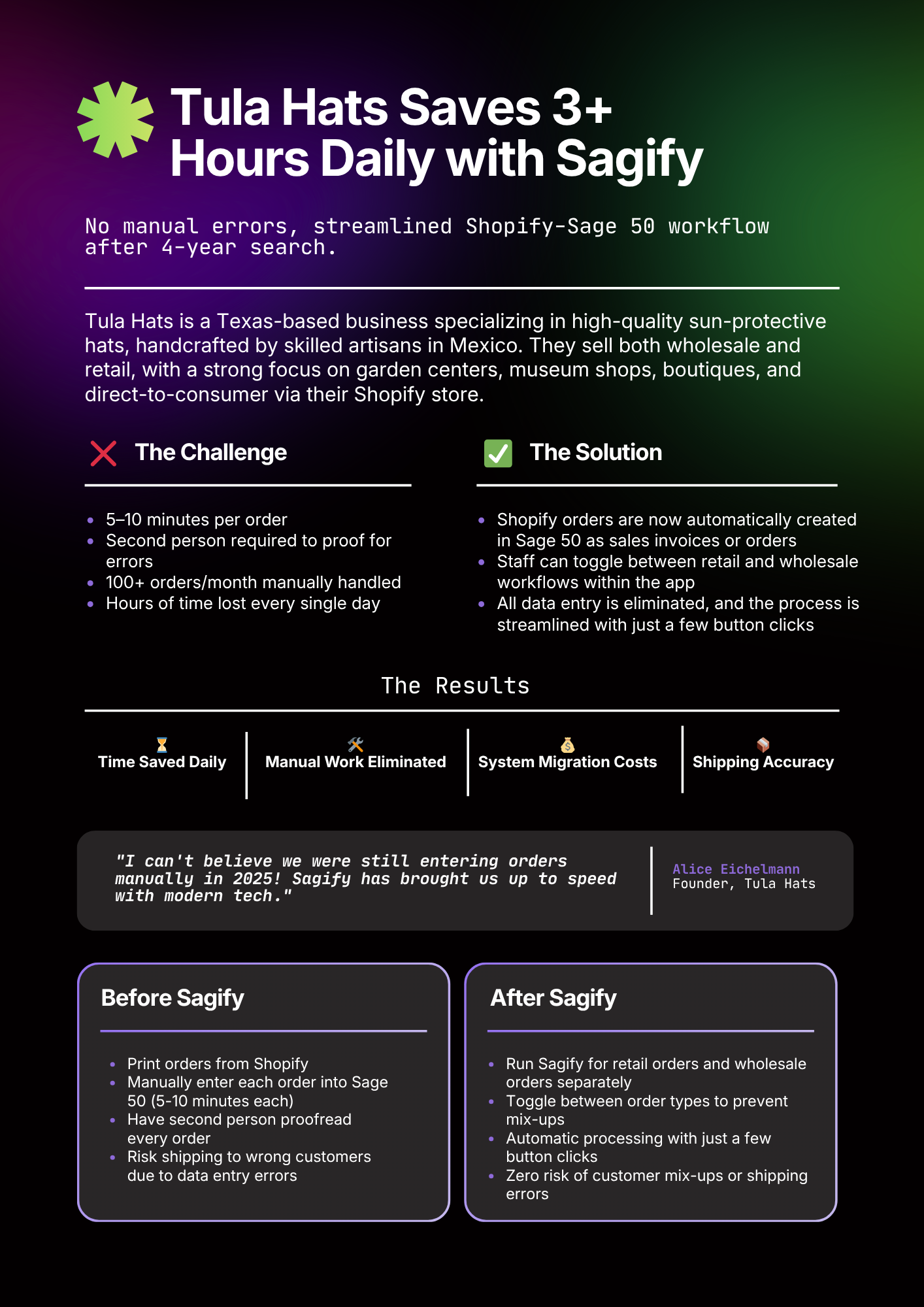
Two Sagify Case Studies, One Lesson — You Don't Have to Migrate Off Sage 50
Why Tula Hats and Emergent Respiratory didn't move to QuickBooks Online. They bridged Shopify to the Sage 50 they already trusted.
What a Dedicated Shopify ↔ Sage 50 Integration Actually Does
Feature-level breakdown of order sync, inventory, payouts, and error handling. Contrasts dedicated integrations with generic middleware.
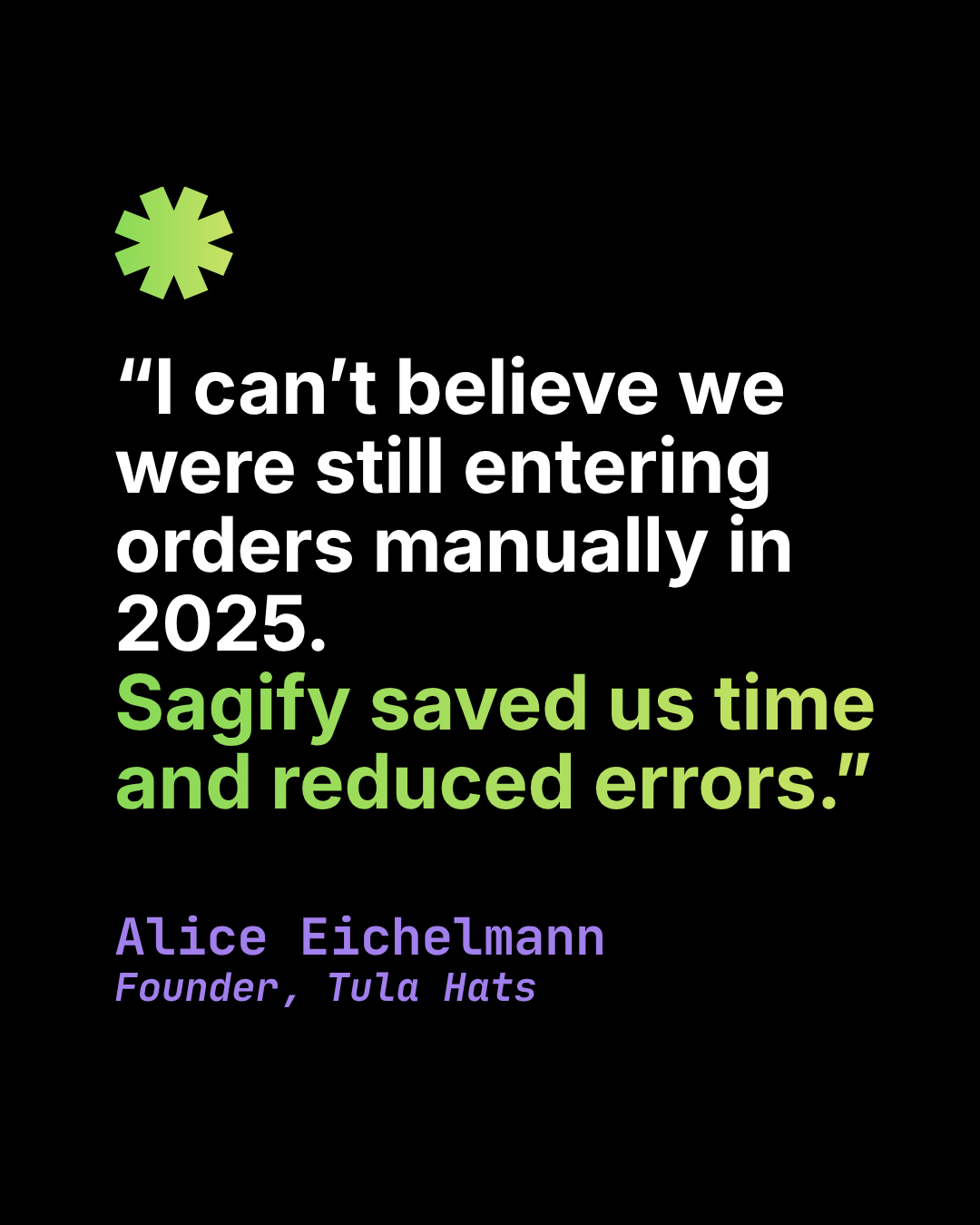
How Tula Hats Got Their Month-End Back With Sagify
How a wholesale hat business eliminated 10+ hours of weekly manual entry between Shopify and Sage 50 and turned a three-day month-end close into a same-day exercise.