
Sagify Isn't for Everyone — Here's Who It IS For
The honest fit assessment. Good fit, bad fit, and everything in between. Know whether Sagify solves connecting Shopify with Sage 50 before you download.
Not every tool works for every business. Sagify is powerful for a specific use case. If you fit it, it's transformative. If you don't, you'll be frustrated and waste everyone's time.
This is the honest assessment. Read it before you download the trial.
In this post:
- The ideal Sagify customer
- Where Sagify is a great fit
- Where Sagify is not a fit
- The gray area
- How to know for sure
- FAQ

The Ideal Sagify Customer
You're running:
- A Shopify store (US or Canada)
- Sage 50 (US or Canada) Desktop latest version for accounting
- 100+ orders per month, consistently
- A Windows desktop (where Sagify lives)
You're experiencing:
- Manual order entry is eating hours per week
- Your Sage 50 data lags your Shopify data by days or weeks
- Payout reconciliation is a spreadsheet mess
- Your accounting team is spending time on data entry instead of analysis
You value:
- Data ownership (you don't want your business data in the cloud)
- Control over your GL structure (custom accounts, custom rules)
- Speed of implementation (weeks, not months)
- A tool that fits your existing stack, not requiring a full platform migration
You've ruled out:
- Moving to QuickBooks Online or another cloud accounting platform (at least for now)
- Moving off Shopify for another e-commerce platform
- Hiring more staff just to keep up with order entry
- Continuing the current manual process
If this describes you, Sagify is likely the right tool. Continue reading.
Where Sagify Is a Great Fit
Small-to-Mid-Size Shopify Sellers on Sage 50
Profile: 200-2,000 orders per month, $500K-$10M revenue, profitable and scaling
Why Sagify works: You're big enough that manual data entry is a real burden (10+ hours per week), but small enough that a desktop tool solves the problem elegantly. You have time to configure custom GL mapping but don't need enterprise-scale complexity.
Time saved: 40-60 hours per month (gone from 3-4 orders-per-day manual entry)
Example: Tula Hats — wholesale hat business, multi-store Shopify, custom GL structure
B2B Shopify Sellers
Profile: Fewer orders than D2C, but larger order values; quarterly or monthly batch-processing pattern
Why Sagify works: You're probably batching orders and doing quarterly catch-up marathons. Sagify moves you from quarterly bulk-processing to daily sync, reclaiming weekends and improving financial freshness.
Time saved: 40-60 hours per quarter (from catch-up batches)
Example: Emergent Respiratory — medical equipment, 800-1,200 orders per quarter
Multi-Store Shopify with Complex GL
Profile: Multiple Shopify stores, separate revenue accounts per line, per geography, per channel
Why Sagify works: Most integrations flatten your GL structure. Sagify preserves it. Custom GL mapping means orders land in the right account from day one, no reclassification.
Time saved: 2-4 hours per week (post-import GL reclassification eliminated)
Merchants with Custom Sage 50 Setups
Profile: You've got years of Sage 50 investment, tuned GL, custom tax rules, specific audit trails
Why Sagify works: You're not ready to migrate to QuickBooks. Sagify bridges Shopify into your existing system without requiring you to change anything. You keep Sage 50 exactly as it is.
Time saved: Migration avoided (potentially $10K-50K in direct + indirect costs)

Where Sagify Is Not a Fit
You're Actively Planning to Migrate Off Sage 50
Profile: You know QuickBooks Online is in your future, you're just not ready yet
Why Sagify doesn't fit: If you're going to migrate platforms, investing in Sagify is temporary. You'll rip it out in 12-18 months and start over with a QuickBooks integration.
Better option: Evaluate your migration timeline. If it's within 6 months, migrate now. If it's 2+ years out, Sagify solves the problem in the meantime.
You're Doing Very Low Volume
Profile: 50-100 orders per month, or sporadic seasonal volume. While Sagify does over Pay-As-You-Go plans, which helps implant Sagify into your workflow to help you grow and as you scale to higher volume levels in the future Sagify will be there to do the heavy lifting.
Why Sagify doesn't fit: At low volume, manual entry might actually be faster than learning a new tool. The breakeven is usually around 100-200 orders per month. Below that, the costing might not make sense. You can consult our Pricing Calculator to see if this is a good option or not for you.
You're Using Sage 50 Cloud (or any other Sage product)
Profile: You've already moved to Sage's cloud offering
Why Sagify doesn't fit: Sagify is built specifically for Sage 50 desktop. It doesn't work with Sage Intacct or other Sage products.
Better option: Look for a Sage Intacct-native integration. The integration landscape is different there.
You Prefer Cloud-Only SaaS Tools
Profile: You don't want to maintain any desktop software, you want everything cloud-hosted
Why Sagify doesn't fit: Sagify is a Windows desktop application. It runs locally and connects to your local Sage 50 company file. If you're philosophically opposed to desktop software, this won't change your mind.
Better option: Consider a migration to QuickBooks Online or migrate to Sage Intacct, which has native integrations.
You Need Real-Time, Continuous Sync
Profile: You need Shopify orders hitting Sage 50 the instant they're placed
Why Sagify doesn't fit: Sagify is a human-in-the-loop mechanism -- It's not real-time. It requires someone to run Sagify either hourly, daily, weekly, or even monthly. For the most part, these are officer managers, bookkeepers, controllers, or accountants running Sage 50. Sagify is not a black box that imports without you knowing what is going in or out of your books. There is full transparency, and you are making the final decision.
Full automation with Sagify is possible. Please reach out to support if this is something you would like to explore with your team.
Better option: Look for a cloud-based integration platform that offers true real-time sync.
The Gray Area
"I'm not sure if I have 200+ orders per month"
Do this: Add up orders from Shopify for the last three months and divide by 3. If it's close to 200 (150+), Sagify is worth evaluating. If it's 100-150, you're in the maybe zone — try the free trial and see if the manual entry is really a problem.
"We're considering QuickBooks, but not for another year or two"
Do this: If Sagify solves your immediate problem (manual entry, payout reconciliation) and the subscription cost is low relative to your revenue, implement it. When you eventually migrate, you'll have six months to two years of clean Sage 50 data and a better understanding of whether QuickBooks is really the right move.
"I like my current manual process, but it's becoming a burden"
Do this: You're the most likely to benefit from Sagify. Manual processes feel fine until they don't. The moment you're thinking "this is becoming a problem," it's usually worth fixing. Try the trial.
"We use Sage 50 Cloud (the older web version)"
Sage 50 Cloud is different from Sage Intacct. If you're using "Sage 50 Cloud," check your version. Some organizations still run this. It's not the same as Sage 50 desktop, and Sagify might not work. Ask our support team.
How to Know for Sure
Step 1: Calculate your current time investment
How many hours per week does your team spend on Shopify-to-Sage 50 data entry, payout reconciliation, and post-import GL cleanup? Add them up.
If the total is less than 2 hours per week, Sagify probably isn't justified. If it's 5+ hours, Sagify definitely is.
Step 2: Check your platform versions
- Sage 50: US or Canada? Desktop version (current or within 3 years)?
- Shopify: Standard plan or Plus? (Sagify works with both)
- Windows desktop: Yes? (Sagify doesn't run on Mac)
Step 3: Try the free trial
Download Sagify, connect it to your actual Shopify store and Sage 50 company file, and run a test import on 10 orders. See if it works the way you expect.
Step 4: Talk to us
If you're on the fence, book a demo. We'll walk through your specific setup and be honest about whether Sagify is the right fit.
FAQ
What if I only have 150 orders per month? Is Sagify still worth it?
Maybe. If those 150 orders are taking 3+ hours per week to enter, Sagify saves enough time to be worth it. If they're taking 45 minutes per week and your process is smooth, Sagify is overkill. Trial it and see.
Can I try Sagify for free before buying?
Yes. Sagify offers a 7-day free trial with full access to all features. Use your real Shopify and Sage 50 data.
What if my Sage 50 version is old?
Sagify supports current and recent versions of Sage 50. If you're more than 3-4 years out of date, compatibility might be an issue. Contact our support team and we'll verify.
What if I change my mind later?
Your data stays in Sage 50. If you decide Sagify isn't for you, you stop using it and nothing changes. There's no lock-in or data extraction required.
Is there a cheaper option for low-volume merchants?
Yes, Sagify has a Pay-As-You-Go plan, which charges you per order you process instead of having an allotment of orders per month. You pay for what you use. It's a great option for stores under the 100 orders per month.
What happens if I outgrow Sagify?
Sagify is meant to grow with you! We have pricing plans for all types of volume. For reference, we have stores running ~2500 orders a month with no slow down. We built Sagify when we were doing manual order processing of about ~600 orders a month. Now with Sagify, we freed up our bookkeeping's time, and have grew to over 800 orders.
Related Reading
- Two Sagify Case Studies, One Lesson - Who uses Sagify and why
- The 3 Sagify Features Every Shopify + Sage 50 User Should Run - Feature overview
- Sage 50 vs. QuickBooks Online for Shopify Merchants - Should you migrate?
- A Buyer's Guide to Shopify Accounting Integrations - Evaluation criteria
- A 7-Step Walkthrough of How Sagify Actually Works - Setup and workflow
- Is Sage 50 Good for a Shopify Business? - Platform fit prerequisite
- Shopify Sage 50 Integration: The Complete Guide - Pillar context for prospective buyers
Ready to get started?
Schedule a demo to see how we can help streamline your workflow.
Related articles
The 3 Sagify Features Every Shopify + Sage 50 User Should Run
Order import, payout reconciliation, and custom GL mapping. Here's what each does and why they matter for your Shopify-Sage 50 workflow.
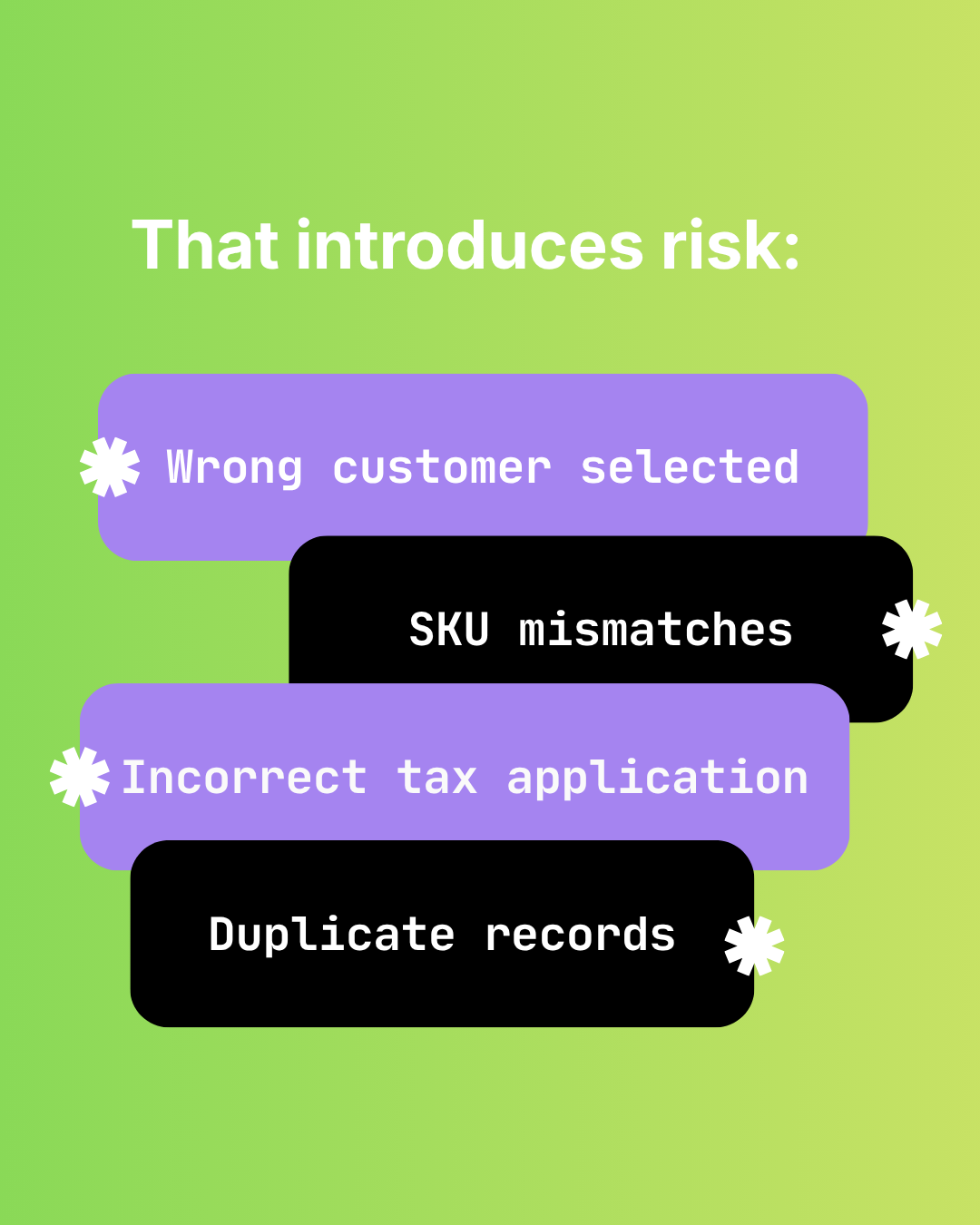
The Hidden Risks of Manual Shopify-to-Sage 50 Data Entry
Audit failure, tax errors, fraud risk, and key-person dependency. The real costs of manual Shopify to Sage 50 data entry beyond time.

How Manual Order Re-Entry Silently Corrupts Your Accounting Data
The hidden cost of manual order entry. Error rates, compounding mistakes, tax drift, and why data corruption isn't visible until month-end reconciliation.