
How to Choose a Shopify Accounting Integration — A Buyer's Checklist
The definitive checklist for evaluating Shopify accounting integrations. What to ask, what to test, and what to look out for before you commit.
Choosing a Shopify accounting integration is one of the most consequential technical decisions you'll make for your business. Your ledger is the source of truth for everything — financial reporting, tax filing, forecasting, business decisions. An integration that fails silently or creates accuracy gaps will cost you far more than the subscription fee.
This checklist helps you evaluate any integration tool against a standard that matters for accounting systems.
In this guide:
- Critical evaluation criteria
- Data sync requirements
- Operational requirements
- Support and service level requirements
- Cost and ROI
- The testing process
- Red flags
- FAQ

Critical Evaluation Criteria
Use this checklist when evaluating any Shopify accounting integration. Rate each item on a scale of 1-5 (1 = completely missing, 5 = perfect fit). Any item scored below 3 is a risk.
Compatibility
Does it work with my accounting system?
- Your specific accounting platform (Sage 50 US? Sage 50 Canada? QuickBooks? Xero?)
- Your specific version (is it current or within 2-3 versions?)
- Your OS (Windows? Mac? Cloud only?)
Test: Ask the vendor to confirm in writing that it works with your specific version.
Red flag: "We support most versions" is not a real answer. You need confirmation on YOUR version.
Data Sync Completeness
What data actually gets synced?
- Full order details (line items, quantities, prices, discounts)?
- Customer data (name, email, address, customer history)?
- Tax amounts (at line level or only at invoice level)?
- Refunds (as credit notes or ignored)?
- Shipping charges (separate GL account or bundled)?
- Payment methods and payment status?
- Order notes and tags?
- Inventory updates?
- Payout reconciliation (deposits matched to orders)?
Test: Ask for a demo with real data. See a full order from Shopify through to the accounting system. Verify that everything you need is there.
Red flag: "Most of the important stuff" syncs. Accounting requires completeness, not "most."
Idempotency
What happens if the sync runs twice?
This is critical. If you re-run the sync, do you get duplicate invoices? Or does it recognize already-synced orders and skip them?
Test: Run a sync, verify invoices are created. Re-run the same sync. Confirm no duplicates.
Red flag: "It usually doesn't happen" or "You just have to be careful." You need guarantees, not careful operation.
Custom GL Routing
Can you route orders to different GL accounts based on your business logic?
If you have a custom chart of accounts (separate revenue accounts per product line, per channel, per geography), can the integration route orders correctly? Or does everything go to one "Shopify Sales" account?
Scenarios to test:
- Orders for different products going to different revenue accounts
- Orders from different channels (Shopify vs. wholesale portal) going to different accounts
- Orders with different characteristics (high-value orders vs. standard) going to different accounts
Red flag: "Everything goes to one account" or "You can manually reclassify after import." That's just pushing the work downstream.
Customer Matching Intelligence
How does it handle customer records?
Do you end up with duplicate customers in your accounting system? Does it recognize that "john.smith@gmail.com" and "John.Smith@gmail.com" are the same person?
Test: Create a test Shopify customer. Place an order with them. Have a second order from the same person with a slightly different name or email format. Check your accounting system to verify only one customer record was created.
Red flag: You have duplicate customer records or new customer records created for every order.
Multi-Store Support
If you have multiple Shopify stores, can they sync to one accounting system?
Test: If you have (or plan to have) multiple stores, verify the integration can handle that. Some tools require one integration per store; others can consolidate.
Red flag: "You'd need to set up separate integrations for each store" or "Multi-store would require custom development."
Inventory Sync
Does the integration sync inventory changes back to your accounting system?
When a Shopify order is placed, does inventory get decremented in your accounting system? Can you sync inventory the other direction (when you receive goods)?
Scenarios to test:
- An order is placed in Shopify and inventory decreases in accounting system
- Inventory is adjusted in accounting system and Shopify updates (if bidirectional)
- Multi-location inventory (if applicable)
Red flag: Inventory is not synced, or only synced one direction when you need two-way sync.
Payout Reconciliation
If you're receiving deposits from a payment processor (Shopify Payments, PayPal, etc.), does the integration reconcile them?
A Shopify payout is not one transaction — it's orders minus refunds, minus fees, minus chargebacks. Can the integration split that payout and match it to actual invoices? Or does it just show you a lump deposit that you have to manually untangle?
Test: Place some test orders, process a payout, and see what the integration creates in your accounting system. Does it show orders, fees, and refunds separately? Or just a total deposit?
Red flag: Payouts aren't split, or are split incorrectly.
Data Sync Requirements
Order Data
Minimum requirement:
- Order number and date
- Customer name and email
- Line items (SKU, quantity, unit price)
- Taxes (amount, rate, account)
- Discounts (line-item and order-level)
- Shipping charges
- Total amount
Ideal to have:
- Order status and payment status
- Order notes and tags
- Customer billing and shipping addresses
- Payment method
- Link back to original Shopify order
Test: Export a historical order from Shopify and verify all fields are present in the accounting system.
Customer Data
Minimum requirement:
- Customer name
- Email address
- Billing address
Ideal to have:
- Shipping address
- Phone number
- Customer tags
- Purchase history
Test: Check a customer record in your accounting system and verify you can trace it back to Shopify and vice versa.
Tax Data
Minimum requirement:
- Tax amounts per line item
- Tax account mapping
Critical: Tax must be preserved at the line level, not recalculated or rounded at the invoice level. A penny of rounding across hundreds of orders becomes audit problems at the end of the year.
Test: Compare a Shopify order's taxes line-by-line against what's in the accounting system. They must match exactly.
Refund Data
Minimum requirement:
- Refunds should be represented as credit notes in the accounting system
- Refund reasons tracked
- Partial refund support
Test: Create a refund in Shopify and verify it creates a credit note in accounting system.

Operational Requirements
Sync Schedule
What frequency does the integration support?
- Real-time (within minutes of order placement)?
- Hourly?
- Daily?
- Weekly?
Reality: For most merchants, daily is fine. Real-time is a nice-to-have but expensive.
Question to ask: "How often can I sync? Can I trigger manual syncs whenever I want?"
Red flag: Only weekly sync and no option for manual sync.
Error Handling
What happens if an order can't be imported?
Does the integration:
- Skip the order and continue?
- Stop and alert you?
- Create a partial import and flag what failed?
- Have a retry mechanism?
Question to ask: "If an order fails to import, what happens? How do I know it failed? How do I fix it and re-import?"
Red flag: "It never fails" (unrealistic). Better answer: "It alerts you, skips that order, and continues. You can review failures and re-import them."
Audit Trail
Can you trace an order from Shopify through to the accounting system?
You should be able to:
- Look at an invoice in accounting system and find the Shopify order number
- Look at a Shopify order and find the corresponding accounting entry
- See a history of when and how the order was imported
Test: Pick a random invoice in your accounting system and verify you can trace it back to Shopify.
Red flag: No audit trail, or audit trail is buried in logs.
Testing Environment
Can you test on sandbox data before going live?
Most merchants want to test the integration on historical data or a sample of orders before turning it on for all future orders.
Question to ask: "Can I run a test import on historical orders without it affecting my live accounting data?"
Red flag: "We sync live data only" or "You have to go live immediately."
Support and Service Level Requirements
Support Availability
Who answers when you have a problem?
- Dedicated support team?
- Contractor support?
- Community forum?
- Email queue?
- Phone support available?
Ideal: Dedicated team, live human (not chatbot), available during business hours.
Question to ask: "What's your typical response time? Can I talk to a human or just a chatbot?"
Red flag: "Support is available in the community forum" or "Response time is 48+ hours."
Support Expertise
Does support understand both your accounting system and the integration?
When there's a problem, support should be able to:
- Access your account and configuration
- Trace an order through the system
- Debug GL mapping or customer matching issues
- Not just say "read the knowledge base"
Test: Ask a moderately complex question during a trial and see how good the support response is.
Red flag: Support responses are generic and don't address your specific setup.
SLA (Service Level Agreement)
What uptime guarantee does the vendor provide?
Accounting integrations should have high reliability. Look for:
- 99%+ uptime SLA
- Clear incident response procedures
- Documented backup and recovery
Red flag: No SLA published, or SLA is less than 99%.
Customer References
Can you talk to actual customers?
Ask the vendor to connect you with 2-3 customers using the same accounting system as you. Ask them:
- How reliable is the sync?
- Have you had any data issues?
- How is the support?
- Would you buy it again?
Red flag: "We can't share customer contact info" or "All our customers are under NDA."

Cost and ROI
Total Cost of Ownership
Factor in all costs:
- Software subscription (monthly or annual)
- Implementation/setup (one-time or professional services)
- Support (included or separate?)
- Training (your team learning curve)
- Maintenance and updates (ongoing or one-time?)
Calculate your ROI: How many hours per month is manual data entry currently taking? How much is that person's time worth? How much time does the integration save?
Example:
- Current manual entry: 10 hours/month = $500/month in labor
- Integration cost: $150/month
- Time saved: 9 hours/month = $450/month in labor
- Net savings: $300/month, or $3,600/year
ROI is almost always positive if the tool actually works.
Cost Comparison
Pricing models vary:
- Flat monthly subscription
- Usage-based (per order synced)
- Per-user licensing
- One-time perpetual license
Understand the model and project your costs for the next 12 months based on your expected order volume.
Price Lock-In
What happens to pricing as you grow?
- Do prices go up as your volume increases?
- Are there price brackets (0-500 orders $50, 501-1000 orders $100)?
- Is there a volume discount?
Question to ask: "What's the pricing at 1,000 orders/month? 5,000?"
The Testing Process
Before You Commit
- Download the free trial (if available)
- Connect your real Shopify store to the trial
- Connect your accounting system (on a test company file if possible)
- Run a test import on 10-20 real historical orders
- Verify the results in your accounting system
- Do invoices look correct?
- Are GL accounts right?
- Are customers matched correctly?
- Are taxes correct?
- Test error scenarios
- What if a product doesn't exist?
- What if a customer doesn't match?
- What if there's a refund?
- Talk to support with a technical question and evaluate their response
- Run a second test to verify idempotency (no duplicates)
How Long Should Testing Take?
- First setup and basic test: 2-4 hours
- Thorough testing (multiple scenarios): 4-8 hours
If you're spending more than 8 hours testing, the tool probably isn't well-designed.
Red Flags
Don't use any integration that exhibits these:
- No audit trail — You can't trace orders through the system
- Duplicates on re-run — Running the sync twice creates duplicate invoices
- Tax not at line level — Taxes are rounded or recalculated instead of preserved
- No error handling — Failed orders fail silently
- No customer support — Can't reach a human
- Requires migration — "You have to change your GL structure to use this"
- Unverified claims — "Works with Sage 50" but no written confirmation
- No test environment — You can only test on live data
- Vague about what syncs — When you ask what data is included, answers are unclear
- No way to verify — Vendor won't let you test or reference customers
Any of these should be a deal-breaker.
FAQ
Should I migrate to a new accounting platform just to get a better integration?
Not unless you were already planning to migrate. The cost and risk of migration usually exceed the benefits of a better integration. Better to use a bridging tool like Sagify than to migrate.
Is cloud-based integration always better than desktop?
Not for accounting. Cloud is more convenient, but desktop gives you more control and data ownership. For accounting data, control and ownership matter. Choose based on your business needs, not just convenience.
How long does it take to implement an accounting integration?
For a simple setup: 2-4 weeks For a complex setup (multi-store, multi-currency, custom GL): 4-8 weeks
Anyone promising one-week implementation for a complex setup is overselling.
What if I need custom development?
Some integrations allow custom development. Budget $5,000-$20,000 for custom work. Make sure the vendor charges reasonable rates and that custom work is maintainable long-term.
Can I have multiple integrations (one for Shopify, one for other sales channels)?
Yes. You can feed multiple sales channels into one accounting system. Make sure your integration tool can handle it or you can use multiple tools in concert.
What's the difference between "synced" and "imported"?
- Synced: Real-time or near-real-time connection, continuous updates
- Imported: Batch process, you trigger it manually or on a schedule
For most merchants, batch import is fine. Real-time sync is rare and expensive.
Related Reading
- Sage 50 vs. QuickBooks Online for Shopify Merchants - Platform comparison
- Who Sagify Is For - Fit assessment
- The 3 Sagify Features Every Shopify + Sage 50 User Should Run - Feature evaluation
- A 7-Step Walkthrough of How Sagify Actually Works - Product demo
- Shopify Sage 50 Integration - The Complete Guide - Full integration overview
- 5 Signs You Need a Sage 50 Shopify Integration - Buyer-readiness diagnostic
- What Is Sage 50 Shopify Integration? - Clear explainer for prospective buyers
Ready to get started?
Schedule a demo to see how we can help streamline your workflow.
Related articles
Shopify Records Activity. Sage 50 Records Truth.
A framing piece — Shopify is the event log, Sage 50 is the system of record. Why both are needed and why the integration boundary matters.
Inventory Problems Start Upstream — Not in the Warehouse
Bad data, not bad counting. Why orders don't sync, refunds don't decrement, adjustments don't propagate. Data hygiene before physical reconciliation.
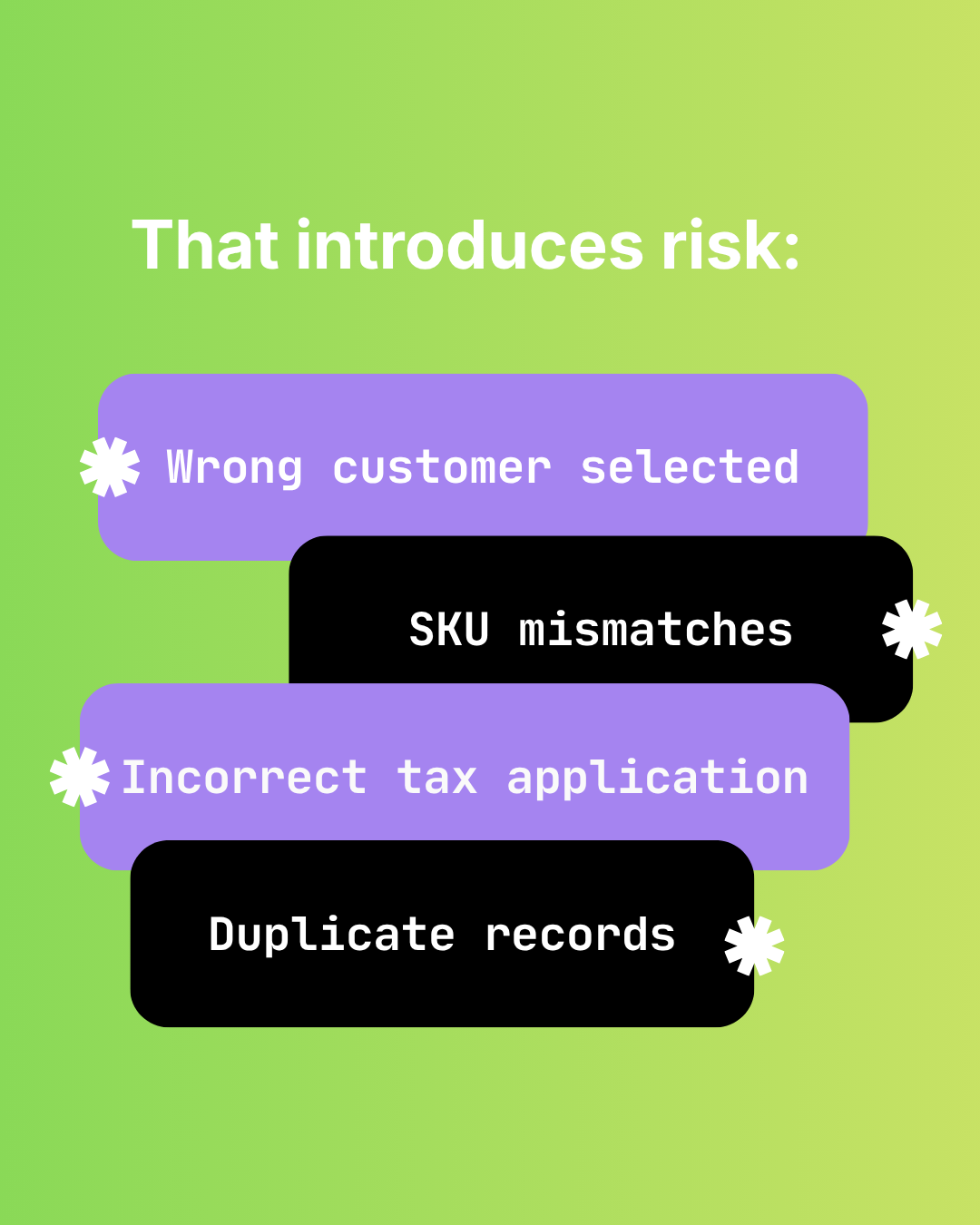
The Hidden Risks of Manual Shopify-to-Sage 50 Data Entry
Audit failure, tax errors, fraud risk, and key-person dependency. The real costs of manual Shopify to Sage 50 data entry beyond time.