Does Sage 50 Integrate with Shopify?
Not on its own. Why Sage 50 has no built-in Shopify connection, which Sage 50 you have, the four ways to connect them, and what a connector must do.
Not on its own. Sage 50 has no built-in connection to Shopify, and Sage doesn't make one. You connect the two with a third-party connector, and because Sage 50 is desktop software, that connector has to run on a Windows computer where Sage 50 is installed. Which connector you can use depends on which Sage 50 you have: the US, Canadian and UK versions are different programs.
That's the whole answer in one paragraph. The rest of this post explains why it works that way, what your options are, and what to check before you pick a connector.
In this post:
- Which Sage 50 do you have?
- Why there's no built-in connection
- Four ways to get Shopify orders into Sage 50
- What a Sage 50 connector has to handle
- Sagify for Sage 50 US and Canada
- On Sage 50 Accounts in the UK, or another Sage?
- FAQ
Which Sage 50 Do You Have?
"Sage 50" is the name of three separate products, built for different countries, with different data and different tax handling:
| Product | Sold in | Formerly known as |
|---|---|---|
| Sage 50 US Edition (Pro, Premium, Quantum) | United States | Peachtree |
| Sage 50 Canadian Edition (Pro, Premium, Quantum) | Canada | Simply Accounting |
| Sage 50 Accounts | UK and Ireland | Sage Line 50 |
A connector built for one doesn't work with the others, so check this first. You'll find the edition in Sage 50 under Help → About. And if your Sage opens in a browser tab rather than from the Start menu, you don't have Sage 50 at all: you have Sage Accounting, which connects to Shopify in a different way (see the end of this post).
Why There's No Built-In Connection
Shopify lives on the internet. Sage 50 doesn't: it's a Windows program whose data sits in a company file on your PC or office server, and it has no public cloud API that a web service like Shopify could call. Even Sage 50cloud, the subscription version, is the same desktop program with some online extras.
So any connection needs something in the middle that can reach both:
- It reads orders, refunds and payouts from Shopify over the internet, through Shopify's API.
- It runs on a computer that has Sage 50 installed, and writes into the company file through Sage 50's own programming interface, so Sage applies its usual rules (accounts, tax codes, stock quantities) just as if someone had typed the entry.
- It keeps track of what it has already posted, so the same order doesn't go in twice.
That has practical consequences you won't find on a feature list. The computer running the connector has to be on, with access to the company file, while orders are being posted. And if your Sage 50 is hosted by a provider, ask whether you're allowed to install a connector next to it before you buy one.
Four Ways to Get Shopify Orders into Sage 50
- Type them in. Fine for a handful of orders a week. It slows down quickly, and every order typed is a chance to mistype a price, a tax amount or a customer. Our comparison of manual and automated order import puts numbers on it.
- Import a file. Export orders from Shopify, reshape them in a spreadsheet, and import them (Sage 50 US, for example, can import sales journal entries from a CSV file). It works, but every export needs reshaping, and it's easy to import the same orders twice when date ranges overlap.
- Post a summary. One journal entry per day or per payout, with total sales, tax, fees and refunds. The ledger stays right at summary level, and it's a common choice for point-of-sale sales. You give up customers, invoices and stock movement per item.
- Use a connector. A program that turns each Shopify order into a Sage 50 invoice or sales order, with its customer and items, and handles refunds and payouts. This is the only option that keeps both systems in step without someone doing it by hand.
Most stores start with the first, move to the second when it hurts, and end up at the fourth. If you sell in volume through a till, a mix is common: a connector for online orders and a daily summary for point of sale.
What a Sage 50 Connector Has to Handle
Before you pick one, check that it does these, on your data rather than in a demo:
- Your edition and version of Sage 50, specifically.
- Orders as the document you want: sales invoices, or sales orders that are turned into invoices when they ship. See invoice or sales order.
- Your customers and items, matched to what's already in Sage 50 instead of creating duplicates.
- Tax that matches what Shopify charged, to the cent.
- Refunds as credit memos against the original invoice. See how to manage Shopify refunds in Sage 50.
- Shopify payouts, fees included, so the deposit reconciles with your bank. See reconciling Shopify payouts in Sage 50.
- No duplicates, even when two people, or two computers, post orders.
Our honest buyer's guide to Sage 50 desktop connectors compares the options side by side.
Sagify for Sage 50 US and Canada
Sagify is our Shopify connector for Sage 50, built in two editions because the US and Canadian programs are so different:
- Sagify US for Sage 50 US 2026 Edition or newer: Shopify orders as sales invoices or sales orders, customers matched or created, two-way inventory, refunds as credit memos, payouts as receipts or journal entries, point-of-sale summaries, purchase orders and several stores from one install.
- Sagify Canada for Sage 50 Canadian Edition (Pro, Premium and Quantum): an invoice per order or a daily sales summary, Shopify payouts that match your bank deposits, GST, HST, PST and QST by province, stock from Sage 50 to Shopify, and a full French interface.
Both are Windows apps that run on the computer where Sage 50 is installed and post into the company that's open in Sage 50. Sagify is listed on the Sage Marketplace as a Sage Tech Partner app. Sagify US also has pay-as-you-go pricing, so you can start by paying per order processed.

Setup is covered step by step in the help centre: Get started with Sagify US, or ways to sync orders with Sagify Canada.
On Sage 50 Accounts in the UK, or Another Sage?
Sage 50 Accounts (UK and Ireland) is a different program from the US and Canadian Sage 50, and Sagify doesn't connect to it. Connectors for it do exist. If you're choosing accounting software, or open to moving, Sage's browser-based Sage Accounting has a cloud API, so its connector can live entirely inside Shopify: Sagify for Sage Accounting installs from the Shopify App Store and covers the UK, Ireland and Canada.
For Sage 200, Sage 300, Sage 100, X3, Intacct and the rest of Sage's range, see Sage and Shopify integrations, which lists what's covered and how custom builds work.
Frequently Asked Questions
Does Sage 50cloud integrate with Shopify?
The same way Sage 50 does. Sage 50cloud is the subscription version of the same desktop program, so it needs a connector that runs on the computer where it's installed.
Can I connect Sage 50 and Shopify for free?
The free routes are typing orders in and importing files. Connectors are paid, usually monthly or per order processed.
Does it work with Shopify POS?
Yes. Point-of-sale sales are Shopify orders, so a connector sees them like any other. Many stores post them as one journal entry per register per day instead of one invoice per sale, and Sagify US can do either.
Does my computer need to stay on?
While orders are being posted, yes. A Sage 50 connector works through the copy of Sage 50 on that computer, so the computer has to be on and able to open the company file.
Will a connector change how my Sage 50 is set up?
It shouldn't. A good connector posts to the accounts, tax codes, customers and items you already have, and only creates customers or items when you allow it to.
Related Reading
- Sage and Shopify integrations - Which Sagify fits which Sage product
- How to Automatically Import Shopify Orders into Sage 50 - Manual entry, file import and automation compared
- Automatic Sage 50 Invoices from Shopify: Invoice or Sales Order? - The first decision after you connect
Ready to get started?
Schedule a demo to see how we can help streamline your workflow.
Read next
- Shopify Sage 50 integrationSagify posts Shopify orders, inventory, refunds and payouts into Sage 50 — US and Canadian editions.
- Sage + Shopify integrationsWhich Sagify fits your Sage: Sage 50 US, Sage 50 Canada or Sage Accounting.
- Sage 50 integration buyer's guideAn honest comparison of the Shopify to Sage 50 desktop connectors.
Related articles

Hyperext vs Sagify, and the Other Sage 50 Shopify Connectors
Hyperext's HyperShop connects Shopify to Sage 50 Accounts in the UK; Sagify connects it to Sage 50 US and Canada. A fair comparison of both, plus Zynk, Tradebox, CartSpan, Storehub, Commercient and the rest, by edition.
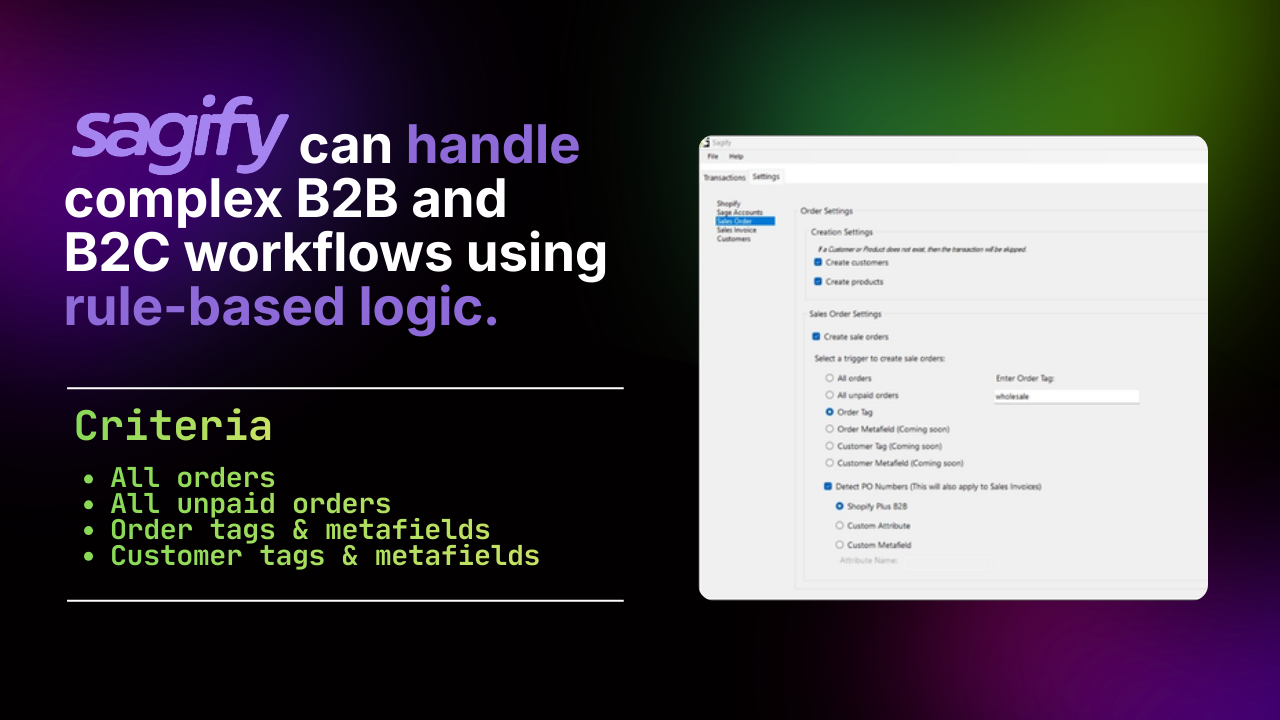
Sage 50 B2B and B2C Workflows from One Shopify Store
Retail and wholesale orders need different treatment in Sage 50. The rules that send each Shopify order to the right customer, document, revenue account and terms.
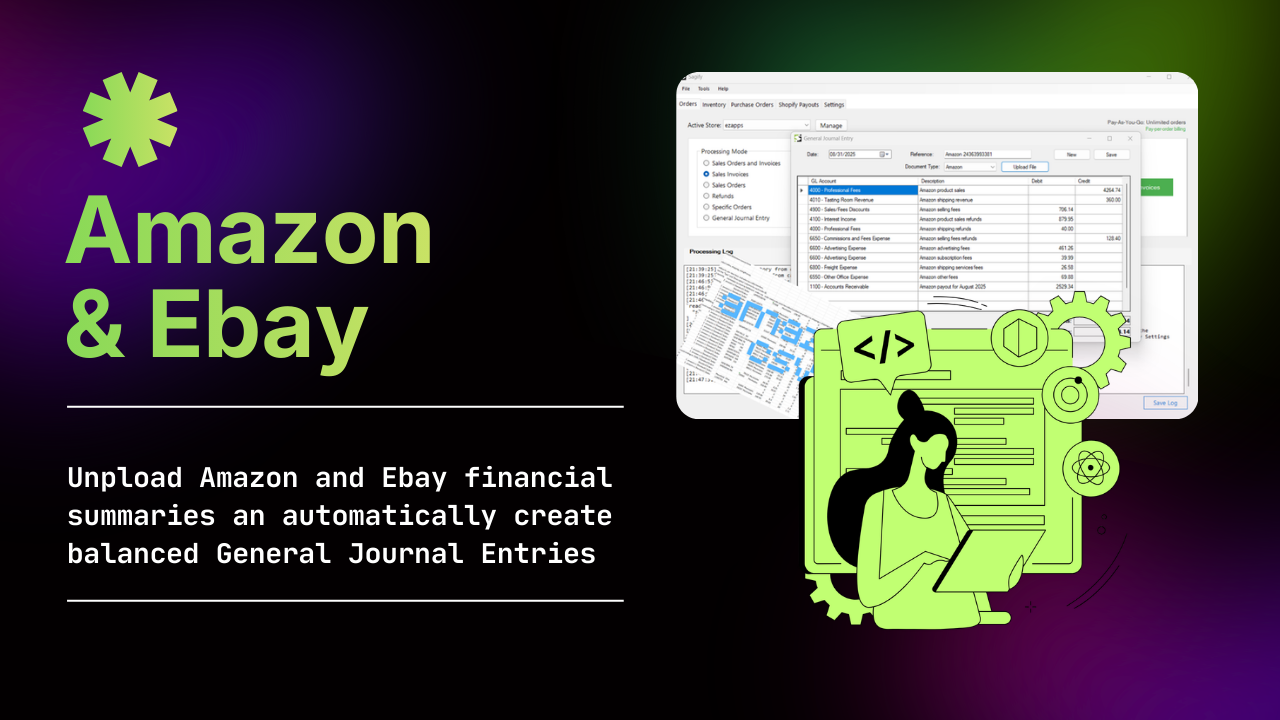
Posting Shopify POS and Amazon Sales into Sage 50 as Journal Entries
When one journal entry per day or per settlement beats one invoice per sale, what the entry looks like, and how to post Shopify POS, online and Amazon sales to Sage 50 that way.