Sage 50 B2B and B2C Workflows from One Shopify Store
Retail and wholesale orders need different treatment in Sage 50. The rules that send each Shopify order to the right customer, document, revenue account and terms.
A store that sells to the public and to trade customers from the same Shopify admin has two kinds of order that look alike in Shopify and must not look alike in Sage 50. A retail order is paid on the spot by someone you may never bill again. A wholesale order belongs to an account with payment terms, a purchase order number, a statement at month end and often a tax exemption. If both land in Sage 50 the same way, one side of the business ends up wrong.
The short answer: decide how Shopify marks a wholesale order (a B2B company, a customer tag, an order tag or a discount code), then set rules in your connector that key off that mark: which Sage 50 customer the order posts to, whether it becomes a sales order or an invoice, which revenue account it hits, and whether tax applies. Everything else stays on the retail path. This post walks through those rules as Sagify applies them to Sage 50 US, with a note on the Canadian edition at the end.
At a glance:
- Retail (B2C) orders: paid invoices, usually under one "Online Sales" customer, with a receipt.
- Wholesale (B2B) orders: a sales order on the customer's own Sage 50 account, on their terms, with their PO number, posted to a wholesale sales account.
- The marker Shopify provides (B2B company, customer tag, order tag or discount code) drives every rule.
- Sagify US applies the rules in a fixed order: wholesale segment, then sales-order rule, then customer account, then routing by tag or code.
In this post:
- What makes a B2B order different in Sage 50
- How Shopify tells you an order is wholesale
- The rules, in the order they apply
- Three setups that cover most stores
- Wholesale orders that never touch Shopify
- Sagify Canada
- FAQ
What Makes a B2B Order Different in Sage 50
Line by line, a wholesale order and a retail order are the same thing: items, quantities, prices, shipping. The differences are around the lines.
| Retail (B2C) | Wholesale (B2B) | |
|---|---|---|
| Customer | A shopper, often once. Many stores bill all of them to one "Online Sales" customer. | A named account in Sage 50 with its own ID, contact, credit limit and history. |
| Payment | Paid at checkout. | Often unpaid at order time, on Net 30 or the customer's own terms. |
| Document | A sales invoice, paid, with a receipt. | A sales order first, turned into an invoice when it ships. See invoice or sales order. |
| Reference | The Shopify order number. | The customer's purchase order number, which they quote when they pay. |
| Revenue | Your retail sales account. | A wholesale sales account, so margin can be reported by channel. |
| Tax | Charged by Shopify. | Often exempt, with a resale certificate on file. |
| Statements | None. | Monthly, from Sage 50, against the customer account. |
None of this is exotic. It's how Sage 50 already works for a business that takes trade orders by phone. The connector's job is to notice which orders are trade and treat them the way your bookkeeper would.
How Shopify Tells You an Order Is Wholesale
Shopify has no single "wholesale" flag, so stores mark trade orders in one of four ways. Pick the one you already use, because the rules below key off it.
- Shopify B2B companies. On Shopify Plus, trade customers belong to a company with its own locations, payment terms and catalogs. An order placed for a company carries the company name and, if the buyer entered one, a PO number.
- A customer tag. The oldest approach, and still the most common: tag the customer
wholesaleand have a wholesale app or a locked collection show them trade prices. - An order tag. Added by a wholesale app, by Shopify Flow, or by hand:
wholesale,trade, or an account-specific tag likecust_acme. - A discount code. Some stores give each account a code that unlocks their pricing. The code on the order says whose order it is.
Draft orders, which you create in Shopify admin for an order taken by phone, become normal orders once sent or marked paid, and carry whatever tags you give them.
The Rules, in the Order They Apply
Sagify US applies several rules to each order. From the most specific to the most general:
1. The wholesale segment
Settings → Wholesale / B2B treats wholesale orders as their own segment. Any order placed for a Shopify B2B company, or carrying the tag you choose, is:
- matched to its own Sage 50 customer, by company name for a B2B order, even when every retail order goes to a single customer;
- posted to a wholesale sales account instead of the default sales account;
- optionally given a Sage 50 job, so job reports show wholesale on its own.
A second, break-off tag defines a sub-segment with its own account and job, down to individual lines by product type, tag, SKU or title. A store that sells to distributors and to corporate gifting accounts can report each separately.
2. Sales order or invoice
Settings → Sales Orders decides which orders become sales orders and which become invoices. The useful choices for a mixed store are All unpaid orders and Orders with an order tag:

- With All unpaid orders, a trade order on terms becomes a sales order and a paid retail order becomes an invoice, with no tagging at all. If your wholesale customers pay by card at checkout, this rule won't separate them.
- With Orders with an order tag, every order tagged
wholesalebecomes a sales order, paid or not.
Orders that become sales orders under one of these subset rules are always matched to their own Sage 50 customer, because they are almost always the trade ones. The sales order is converted to an invoice when it ships, from Sagify's Sales Orders tab or in Sage 50. See Sales orders and invoices.
3. Which customer an invoice posts to
Settings → Sales Invoices → Customer account is where the retail side is kept simple:

- Create all invoices under a single Sage 50 customer account sends every retail order to one customer, an "Online Sales" or "Shopify" account, so your customer list doesn't grow by one row per shopper.
- Exceptions by order tag: up to 15 rows of order tag → Sage 50 customer, each with a Tax-Exempt box. An order tagged
cust_breakageposts to the Breakage account, tax-exempt if you tick it. - Customer tag exception: a tag on the Shopify customer,
wholesalesay, whose orders go to their own matched Sage 50 customer instead of the single account.
Or choose Create invoices under matching Sage 50 customer accounts and let every order, retail included, find or create its own customer. Stores with repeat buyers who want statements take this route. The matching order (a metafield holding the Sage 50 customer ID, then email, phone, email domain, company name, address) is in Customers.
4. Routing by tag or discount code
Settings → Sales Orders → Customer routing does the same for sales orders: up to 15 order tag → customer rows, each optionally tax-exempt, and a discount-code rule for stores whose buyers identify their account by the code they enter at checkout.
When rules overlap, a tag mapping wins over a discount code, both win over the single customer, and wholesale-segment orders keep their own matched customer whatever the other rules say.
5. The purchase order number
Settings → Order Processing → Customer PO number: with Detect PO numbers on, Sagify reads the buyer's PO from the Shopify Plus B2B order, from a custom attribute, or from a metafield, and puts it in the Sage 50 document's Customer PO field. Retail orders get the Shopify order number there instead, if you want it.
6. Terms, reps and tax
- Payment terms: use the terms on the Sage 50 customer record ("Net 30 Days") rather than the card on the order, so a wholesale invoice ages correctly.
- Sales rep: a default rep per document type, and a sales order's own rep is kept when it becomes an invoice.
- Tax: the Tax-Exempt box on a routing row creates the document without tax for that account. For everyone else, Sagify posts the tax Shopify charged, as a Sage tax code or as tax lines. See Shopify tax errors in Sage 50.
- Receipts: with Smart Receipts on, a paid retail invoice gets its receipt as it's created. An unpaid wholesale sales order gets no receipt until the customer pays, which is what you want.
Three Setups That Cover Most Stores
A. Retail to one customer, wholesale by tag. Invoices under a single "Online Sales" customer. Customer tag exception wholesale. Sales orders for orders tagged wholesale. Wholesale segment on the same tag, with a wholesale sales account. Result: retail orders become paid invoices on one account, wholesale orders become sales orders on their own accounts, and revenue is split by channel.
B. Shopify Plus B2B companies. Wholesale segment keyed on B2B company orders, which matches each company to a Sage 50 customer by name. Detect PO numbers from the B2B order. Sales orders for all unpaid orders. Terms from the Sage 50 customer. Retail stays on the single account or on matching, as you prefer.
C. Every customer in Sage 50. Invoices under matching customers, with a customer metafield holding the Sage 50 ID for the trade accounts you've already set up. Sales orders for unpaid orders. Useful for a store that is mostly trade with some retail, where statements matter for everyone.
Whichever you choose, run a week of real orders through it and check three things in Sage 50: the customer each document landed on, the revenue account on its lines, and the tax. The setup is right when your bookkeeper can't tell which documents were typed and which were posted.
Wholesale Orders That Never Touch Shopify
Some trade customers won't order from a website. They email a purchase order as a PDF or a spreadsheet. Sagify US's Wholesale Orders tab reads those files, matches the buyer to a Sage 50 customer and each part number to a Sage 50 item, and enters the order as a sales order or invoice with the PO number as the reference. The buyer-to-customer and part-number-to-item choices are remembered, so a repeat PO arrives ready to enter. See Wholesale Orders.

That gives one Sage 50 process for all three ways trade orders arrive: through Shopify, by file, or typed in.
Sagify Canada
Sagify for Sage 50 Canadian Edition has the same two ends of the spectrum, with fewer rules in between. Customer Assignment Mode sends every invoice to a single customer or matches each order to its own, and Customer Routing sends orders to specific Sage 50 customers, departments and locations by Shopify tag. A store that wants retail summarised and wholesale itemised can post retail as a daily sales summary to one customer and leave tagged wholesale orders as individual invoices on their own accounts.
Frequently Asked Questions
Do I need Shopify Plus to run B2B orders into Sage 50?
No. Shopify's built-in B2B companies need Shopify Plus, but customer tags, order tags, discount codes and draft orders work on every Shopify plan, and the rules above key off any of them.
Can a wholesale order be tax-exempt in Sage 50?
Yes. If Shopify charged no tax, nothing is posted. The Tax-Exempt box on a routing row creates the document without tax for that account. If Shopify charged tax on an order that shouldn't have had it, fix it in Shopify first, because the connector posts what Shopify charged.
What happens to a wholesale order with a product that isn't in Sage 50?
The same as any order: Sagify offers to create the item or skips the order, depending on your setting. Wholesale lines usually match, because trade customers order from your catalogue, but a SKU created in Shopify first will prompt you.
Can one Shopify customer be both retail and wholesale?
Not cleanly. If the same person sometimes buys at retail prices, tag the order rather than the customer, and key your rules off the order tag.
Does this work with a separate wholesale Shopify store?
Yes. Sagify US connects several Shopify stores to one Sage 50 company, each with its own settings, so a dedicated wholesale store can run "sales orders for all orders, matched customers, wholesale account" while the retail store keeps the single-customer setup.
Related Reading
- Customers: matching, creating and routing - Every customer rule in Sagify US
- Sales orders and invoices - Which orders become sales orders, and converting them
- Automatic Sage 50 Invoices from Shopify: Invoice or Sales Order? - The decision behind rule 2
- How to Match Shopify Customers to Sage 50 - Matching in more depth
Ready to get started?
Schedule a demo to see how we can help streamline your workflow.
Read next
- Shopify Sage 50 integrationSagify posts Shopify orders, inventory, refunds and payouts into Sage 50 — US and Canadian editions.
- Sage + Shopify integrationsWhich Sagify fits your Sage: Sage 50 US, Sage 50 Canada or Sage Accounting.
- Sage 50 integration buyer's guideAn honest comparison of the Shopify to Sage 50 desktop connectors.
Related articles
Does Sage 50 Integrate with Shopify?
Not on its own. Why Sage 50 has no built-in Shopify connection, which Sage 50 you have, the four ways to connect them, and what a connector must do.
Hyperext vs Sagify, and the Other Sage 50 Shopify Connectors
Hyperext's HyperShop connects Shopify to Sage 50 Accounts in the UK; Sagify connects it to Sage 50 US and Canada. A fair comparison of both, plus Zynk, Tradebox, CartSpan, Storehub, Commercient and the rest, by edition.
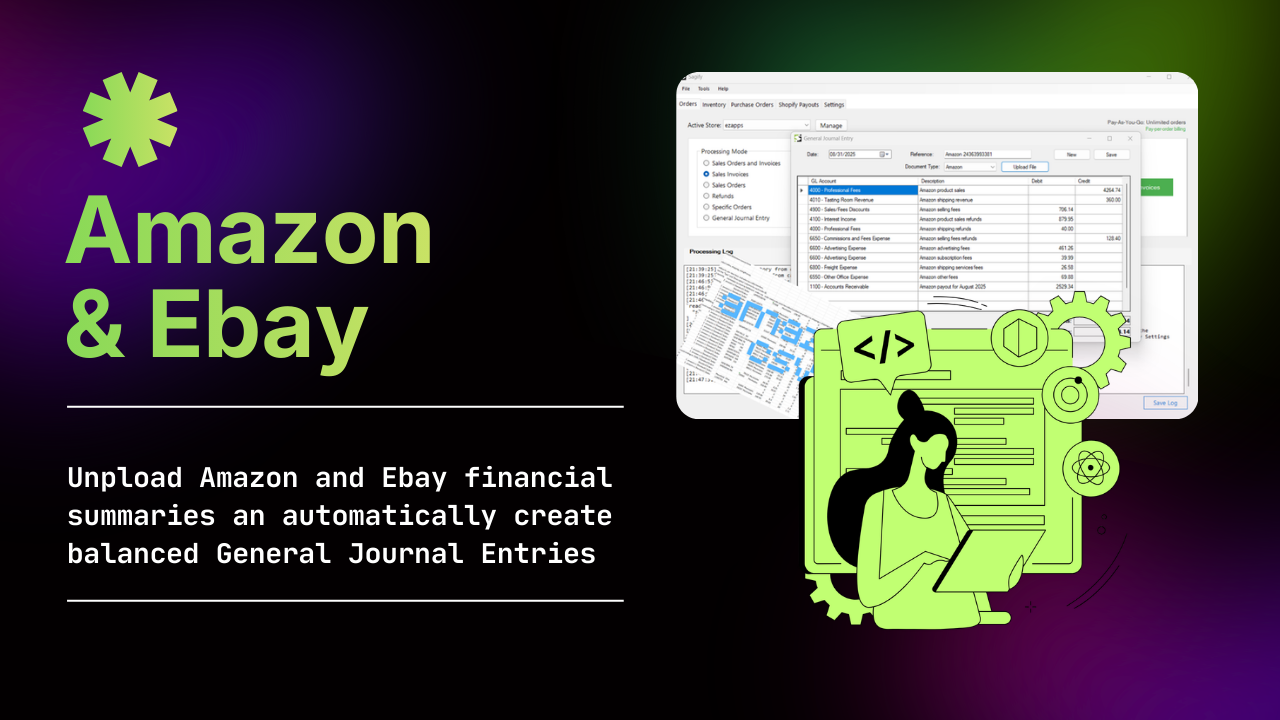
Posting Shopify POS and Amazon Sales into Sage 50 as Journal Entries
When one journal entry per day or per settlement beats one invoice per sale, what the entry looks like, and how to post Shopify POS, online and Amazon sales to Sage 50 that way.