Process a date range (Transactions tab)
Post every unprocessed Shopify order between two dates in one run, with a log you can save.
The Transactions tab posts every Shopify order between two dates in one run, one Sage 50 invoice per order. Orders that are already in Sage 50 are skipped, so it is a safe way to catch up a week or a month.
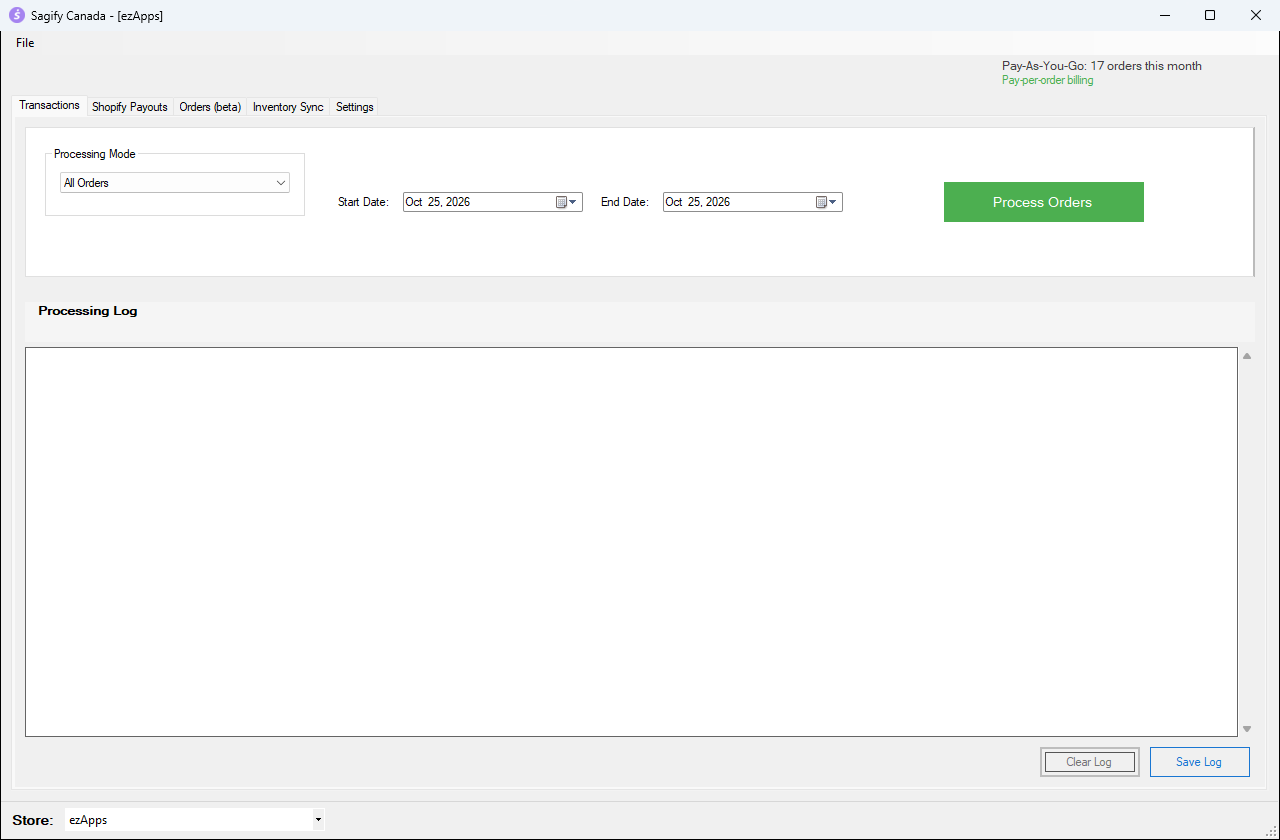
1. Choose what to process
- Processing Mode
- All Orders: every order in the range. Orders paid through PayPal use your Settings → PayPal accounts; all the others use Settings → Shopify Orders. Both settings pages must be filled in.
- PayPal Only: only the orders paid through PayPal.
- Start Date and End Date: the order dates to include. Click the date and use the arrow keys, or open the calendar.
Tip
The first time, try a short range such as a single day so you can check the result in Sage 50 before posting a whole month.
2. Process the orders
Click Process Orders. Sagify reads the orders from Shopify, skips the ones that are already processed and posts the others. You may see the same prompts as on the Orders tab for new customers and new SKUs (see Import orders from the Orders tab).
3. Read the processing log
When the run ends, the Processing Log summarizes it: how many orders were found, the invoices posted, the orders skipped because they were already processed, and any order that could not be posted.
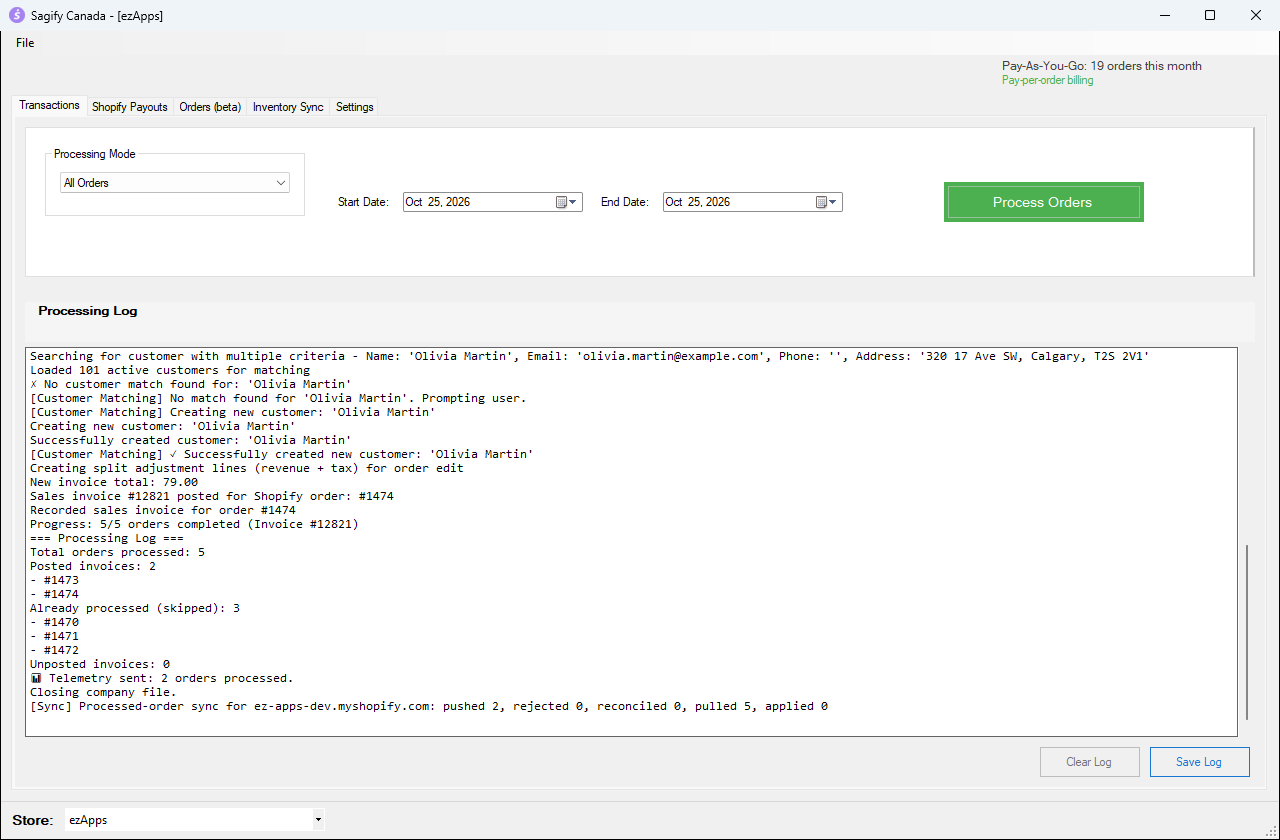
- Save Log saves the log to a text file, handy if you need to send it to support.
- Clear Log empties the window before the next run.
The result in Sage 50
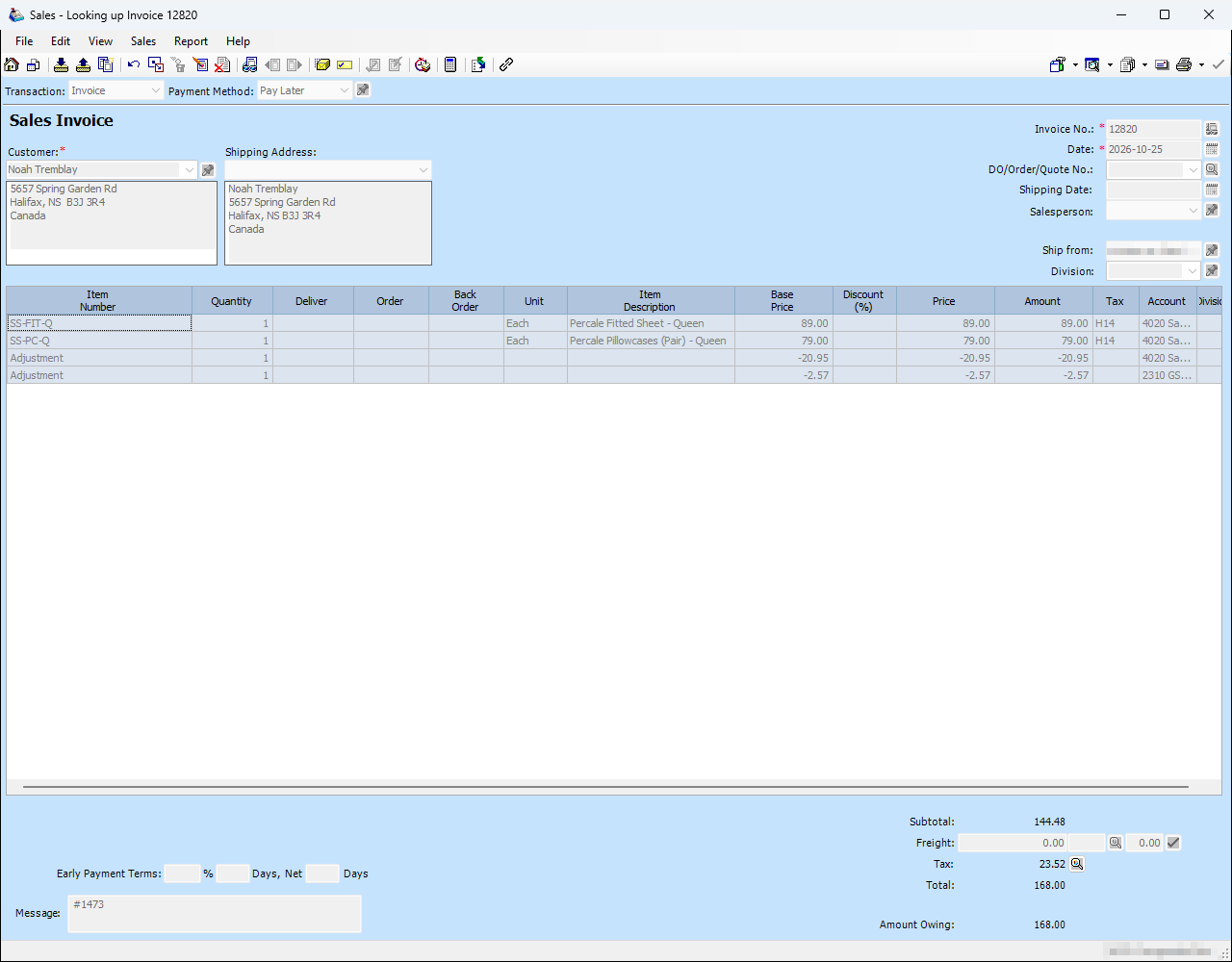
Each order becomes a regular Sage 50 sales invoice, exactly like the ones from the Orders tab. Find them with Customers & Sales → Sales Invoices → Invoice → Find Invoice.